What Is Zero Trust? Principles, Architecture, and Example
Understand zero trust through an access example: how identity, device evidence, policy, and enforcement work together, and where VPNs and ZTNA fit.
What zero trust changes
Zero trust is a security approach that grants access using explicit policy and evidence about the requester and resource, rather than trusting someone simply because they are on an internal network. Zero trust architecture (ZTA) is how an organization puts that approach into its systems and access paths.
The aim is to reduce unauthorized access and limit what a compromised identity or device can reach. NIST’s zero-trust architecture removes implicit trust based solely on network location or asset ownership and focuses protection on resources.
An employee on office Wi-Fi does not automatically need every internal application. An employee at home may legitimately need one. Both requests should satisfy the policy for the resource. Understanding authentication, authorization, and sessions helps separate the sign-in proof from the permission being granted.
Example: opening an invoice portal from two devices
Imagine a finance analyst who needs to read invoices assigned to their team. An illustrative policy requires an approved identity, the relevant role, strong authentication, and a managed device that meets the organization’s health requirements.
On a managed laptop that satisfies those requirements, the analyst can view the assigned invoices. The policy still does not authorize billing administration or access to unrelated records.
Later, the same analyst tries from an unknown personal laptop. A correct password and successful MFA do not supply the missing device evidence. Under this example policy, access is denied and the analyst is directed to a supported device or an approved exception process. Simply repeating the MFA challenge would not fix the failed device requirement.
The policy is an example, not a universal rule that every organization must use. The required confidence should match the sensitivity of the resource and action. NCSC’s zero-trust introduction explains how identity, device health, and data value inform access policy. Use phishing-resistant MFA and recovery to strengthen the authentication part of that decision.
How a zero-trust architecture makes the decision
Three logical components appear in NIST SP 800-207’s architecture model:
- The policy engine decides whether to grant, deny, or revoke access using policy and available evidence.
- The policy administrator coordinates the resulting access path or its termination.
- The policy enforcement point mediates the connection to the resource and implements the decision.
These are logical roles, not a requirement to buy three separate appliances. The accompanying diagram simplifies their interaction.
Enforcement is crucial. If a protected application remains reachable through an old address that bypasses the access check, the new front door does not cover the full system. Identify every route that needs the same protection, including application APIs and service-to-service calls.
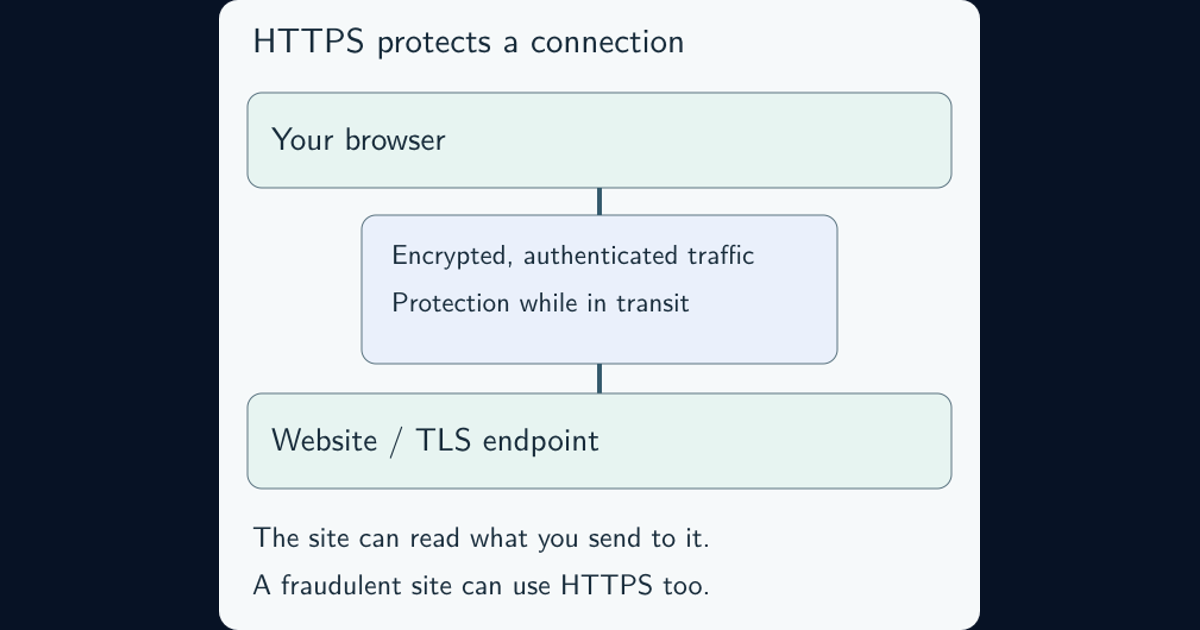
Protect communications along those routes. HTTPS and certificates explain connection protection; an encrypted connection still needs a separate decision about who may use it and for what.
Three principles and five pillars describe different things
Microsoft summarizes zero trust with three guiding principles:
- Verify explicitly: use relevant identity, device, resource, and risk evidence to authenticate and authorize access.
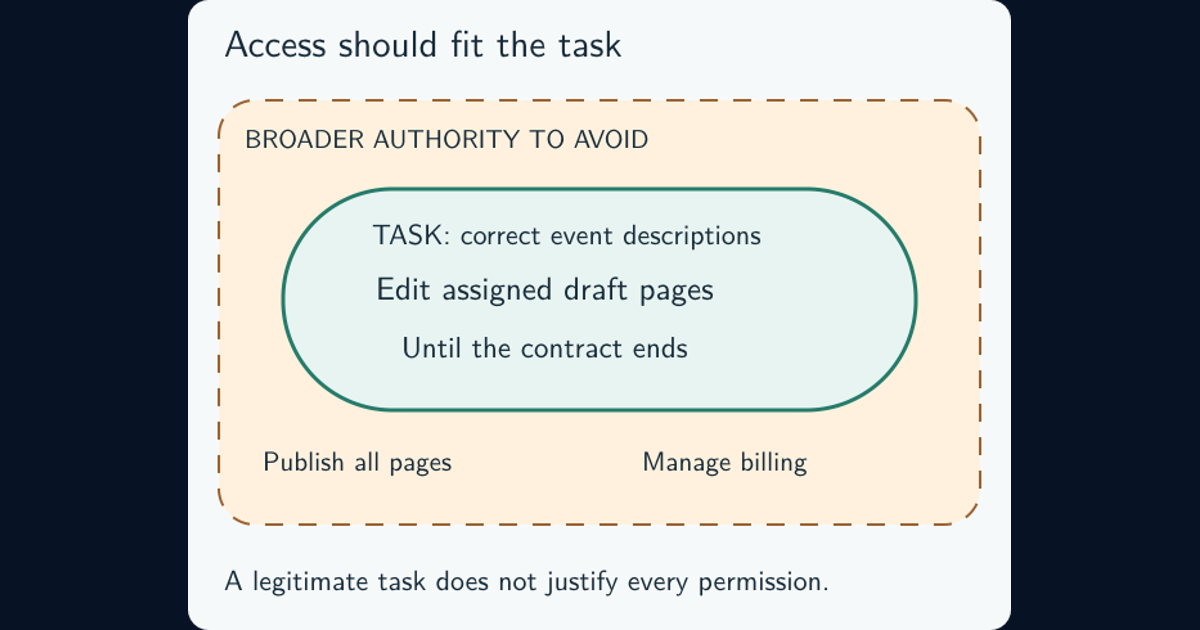
- Use least privilege: constrain the actions, resources, and duration needed for the work. The least-privilege guide shows how to make and review that grant.
- Assume breach: design containment, monitoring, and response around the possibility that an account or device has already been compromised.
You may also see CISA’s five pillars: identity, devices, networks, applications and workloads, and data. These are areas in which to assess and improve controls, rather than another three-step access procedure. CISA identifies them in its maturity-model announcement.
Use these frameworks to find gaps. Strong identity controls alone leave gaps if a workload still has excessive permissions or sensitive data remains exposed through another route.
Continuous verification does not mean constant password prompts
Access decisions need to respond when relevant evidence changes. A device may become noncompliant, an identity may be disabled, or a session may show suspicious behavior. The system needs a defined way to reassess or end affected access.
That can use current session information, tokens, device signals, and policy enforcement without interrupting the user on every action. Interactive reauthentication may be required for a sensitive action or changed risk; repeating prompts is not the measure of success.
Check the actual implementation. How fresh is the device signal? How long until a disabled account loses existing access? What happens when a required signal source is unavailable? NCSC’s health-signal guidance connects monitoring to policy decisions and includes a clear remediation route for legitimate users whose devices fall below the required standard.
Define the required device or service state through its configuration baseline and hardening. The guide to security telemetry quality and blind spots helps assess whether observations are current and complete enough to support the control.
Where VPNs, ZTNA, and firewalls fit
A VPN provides a protected network connection. It should not make everything behind that connection automatically accessible. Zero trust can coexist with a VPN; NCSC’s demystifying zero trust recommends understanding the controls a VPN supplies before removing it.
Zero Trust Network Access (ZTNA) applies zero-trust principles to access to applications over a network. It is part of the wider approach, not proof that every identity, workload, and data path is protected. NCSC’s ZTNA introduction explains that scope.
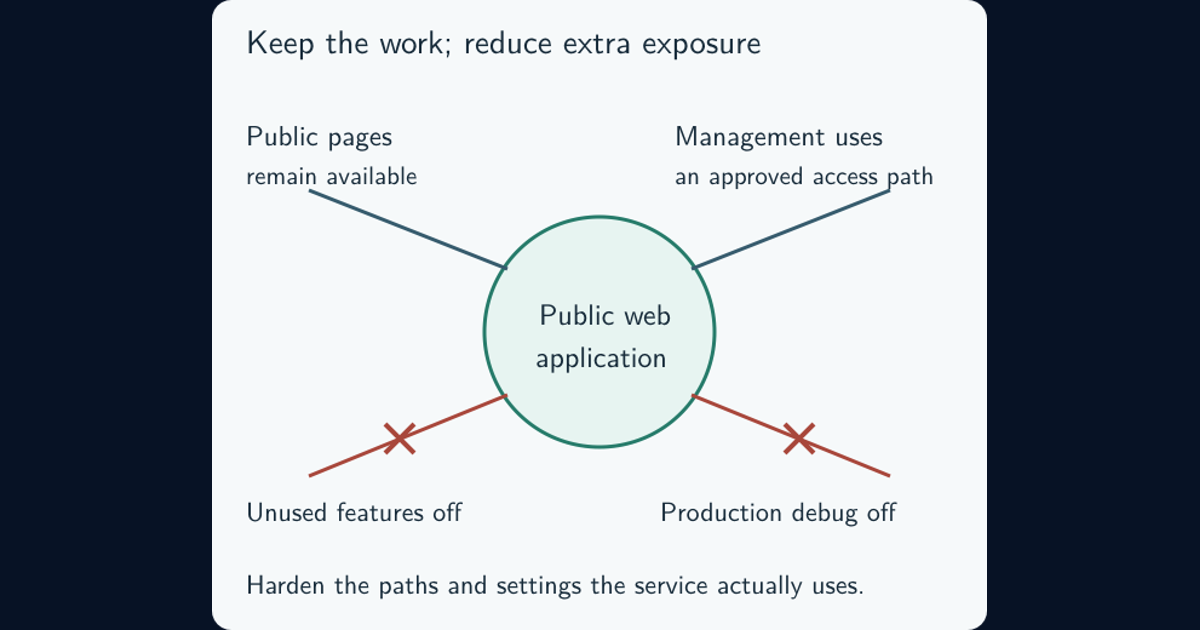
Firewalls and segmentation can still constrain communication paths and limit movement. Evaluate which risks a replacement control actually covers before retiring an existing one. Buying a product labelled “zero trust” does not establish the result; the policies, coverage, and enforcement have to work together.
How to tell whether a rollout is working
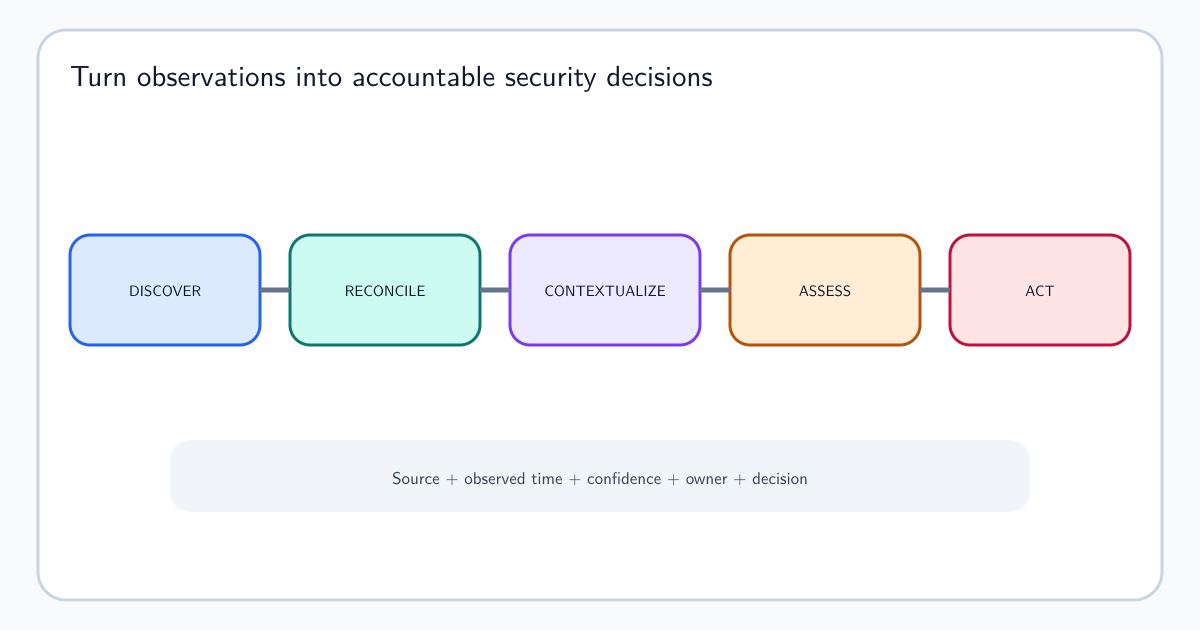
Evaluate a named application or dataset with known users, service identities, dependencies, and access paths. A maintained cybersecurity asset inventory and ownership map makes the boundary visible. Then check behavior in a controlled rollout.
For the invoice portal, useful evidence would answer four questions:
- Can the analyst complete the required work from a supported device through every intended access route?
- Is an unknown device blocked for the intended reason, with a clear remediation route for the legitimate user?
- Is the unrelated administrative action denied through the API as well as the browser interface?
- When an identity is disabled, how quickly does existing access end, and can an operator find the decision record?
Plan for identity-provider outages, unavailable health signals, legacy applications, and emergency recovery. Give exceptions an owner and review date. Monitor user disruption so that an unusable policy does not become a permanent workaround.
NCSC’s architecture principles provide a fuller design reference. Keep the access-path map, policy requirements, observed outcomes, and unresolved gaps together. That record shows what the deployment protects today and what the next change needs to address.
Frequently asked questions
Does zero trust require MFA on every click?
No. Access validation can use sessions, tokens, device signals, and policy checks. An interactive challenge may be needed for a sensitive action or changed risk, but constant prompts do not establish effective zero trust.
Is zero trust only for cloud services?
No. Its principles can apply to on-premises, cloud, and hybrid systems. The relevant question is how a resource is reached and how policy is enforced, rather than where it is hosted.
Does zero trust prevent every breach?
No. It aims to reduce unauthorized access and limit the consequences of compromise. Incorrect policies, compromised trusted components, missing enforcement, and misuse of legitimate permissions remain risks.