What Is HTTPS? How It Works and What It Protects
HTTPS protects your connection, but a valid certificate does not make a website trustworthy. Learn what is encrypted, what remains visible, and when to stop.
What HTTPS does—and what it cannot tell you
HTTPS is HTTP protected by Transport Layer Security (TLS). It encrypts web traffic in transit, detects unauthorized changes to that traffic, and normally authenticates the server for the domain your browser requested. HTTP without TLS does not provide those protections.
HTTPS does not mean a website is honest, free from malware, or safe to give your password to. A convincing fake shop or login page can have a valid certificate. Check both the connection and the destination before sharing sensitive information.
The distinction matters on any network. An encrypted connection makes it much harder for someone between you and the site to read submitted information or silently alter the page. It does not stop the site itself from collecting that information. Mozilla explains this distinction in its guide to what HTTPS does and does not protect.
For the wider habits around networks and downloads, use safer Wi-Fi and browsing.
What happens when you connect
When you open an HTTPS address, your browser and the server establish TLS protection before ordinary web requests and responses travel over that connection. In a simplified full handshake, they agree security settings, the server presents a certificate and proves control of the corresponding private key, and the parties derive traffic keys.
Your browser checks whether the certificate is acceptable for the requested hostname and chains to an authority it trusts. A certificate for one domain does not establish the identity of an unrelated domain. The resulting traffic keys protect the HTTP exchange; it is misleading to imagine the certificate’s public key directly encrypting every page and image.
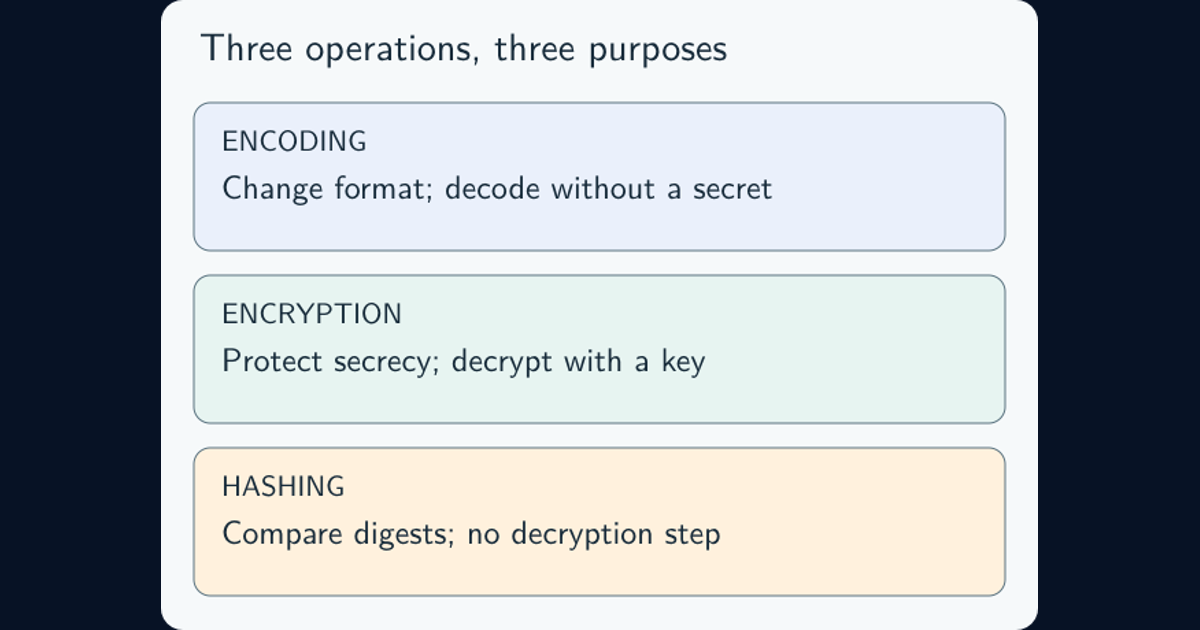
MDN’s TLS explanation describes the handshake, server authentication, and protected HTTP headers and bodies. SSL is TLS’s obsolete predecessor, although “SSL certificate” remains common commercial terminology. For the underlying concepts, see encryption, hashing, and encoding.
You do not need to inspect the cryptography on every visit. You do need to notice whether you reached the intended address and whether the browser reports a connection problem.
A valid certificate can belong to the wrong destination
Imagine a message telling you to renew a subscription through an unfamiliar address. You open it, the page looks familiar, and the browser establishes HTTPS successfully. That only answers whether the connection can be validated for the domain you opened. It does not answer whether that domain belongs to your subscription provider.
Certificate authorities issue different types of certificates. Domain validation demonstrates control of a domain, not that its operator deserves your trust. Let’s Encrypt’s explanation of certificate issuance shows how an automated client proves domain control through a challenge.
For an unexpected payment, account-recovery request, or urgent login prompt, open the organization’s app or a bookmark you already trust. Do not let the message supply both the request and the route you use to verify it. A certificate cannot repair that circular check.
The same logic applies to downloads: encrypted delivery does not make an executable harmless. If you arrived through a suspicious email, the phishing triage guide explains how to handle the message without turning curiosity into another exposure.
What remains visible or exposed
HTTPS protects the HTTP content on its TLS connection, including request paths, query strings, headers, and bodies. That does not make those values secret from the recipient. A password placed in a URL can still reach the server and its logs, and the browser may retain the URL in history. MITRE’s sensitive-query-string guidance explains these exposure paths. Sensitive information should not be put into URLs merely because they start with HTTPS.
Network observers can still see connection metadata, such as destination IP addresses, traffic volume, and timing. Whether they can see a hostname depends on how DNS and the TLS handshake are protected. HTTPS alone is not a promise of anonymous browsing. The TLS 1.3 specification, Appendix E.3 discusses analysis of encrypted traffic using packet lengths and timing.
Protection also has endpoints. If a service terminates TLS at a content-delivery network or reverse proxy, that component decrypts the traffic before forwarding it. HTTPS in the address bar does not establish how every later connection or stored copy is protected. Cloudflare’s encryption-mode documentation illustrates the separate visitor-to-edge and edge-to-origin connections.
An authorized recipient may process or retain what you submit. If the decision is whether a service should receive the data at all, start with personal data, privacy, and sharing. Encryption in transit does not replace that decision.
What to do when a browser warns you
A certificate or privacy warning means the browser cannot validate the connection as expected. Possible causes include an expired certificate, a hostname mismatch, an untrusted issuer, interception, or an incorrect device clock. The warning alone does not establish which cause applies.
Do not bypass the warning to sign in or make a payment. Check that the address is the one you intended and that your device date and time are correct. For a work service, keep the error text and contact your IT team through a known route. For a public service, use its official app or a known contact channel while the problem is resolved. Avoid installing a certificate offered by an unexpected page or message.
Browser symbols and wording differ across products and versions, so a padlock is not a universal checklist item. Chrome’s connection-security guidance explains its indicators and emphasizes checking the site name even on a secure connection.
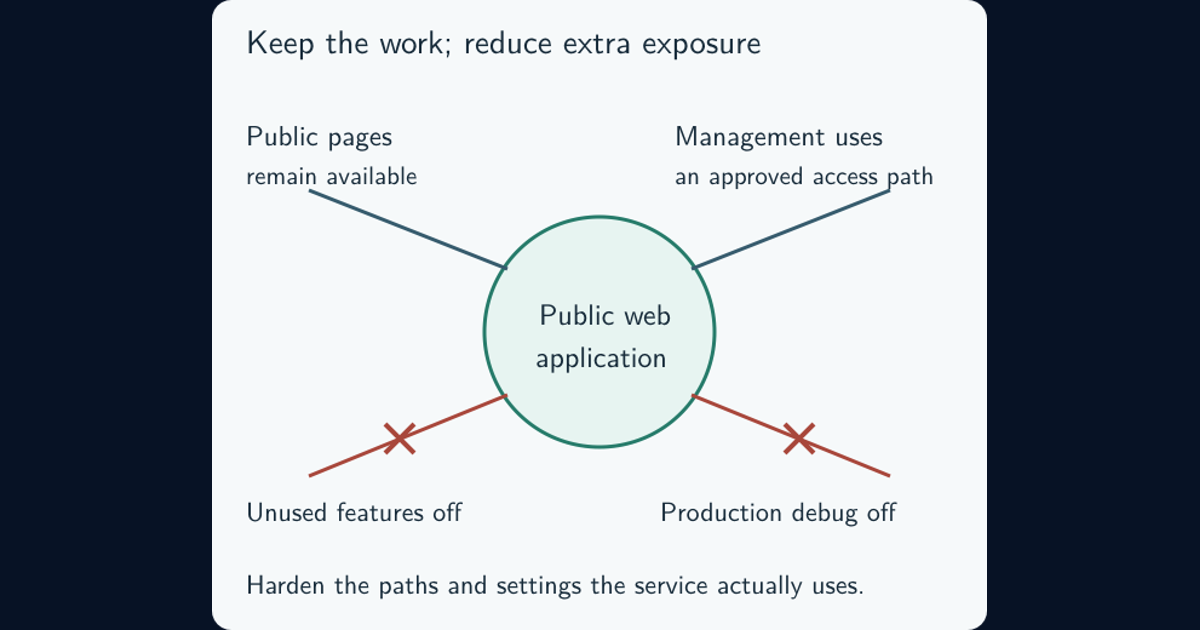
For site owners, a working certificate is only the start: protect all pages and resources with HTTPS, maintain renewal, and check for mixed HTTP content. HSTS tells browsers that have learned the policy to require HTTPS on later connections. Its first-visit protection needs additional consideration, such as preloading; MDN’s HSTS reference explains the conditions. Visitors should not have to override security warnings to use a legitimate service.
Frequently asked questions
Does HTTPS mean a website is safe?
No. HTTPS protects a connection to a particular domain. A phishing site or fraudulent shop can use it too. You must still verify that the destination is the organization you intended to visit.
What is the difference between HTTPS, TLS, and SSL?
HTTPS is HTTP protected by TLS. TLS provides the cryptographic connection protection. SSL is an obsolete predecessor, although SSL certificate remains a common name for a TLS certificate.
Does HTTPS hide my browsing from everyone?
No. It protects HTTP content in transit, but the service receives that content. Network observers can still see metadata such as IP addresses and timing; hostname visibility depends on DNS and handshake protections.