System Hardening: Secure Defaults, Baselines, and Drift
Learn what system hardening changes, how to choose a configuration baseline, test a safe rollout, and detect drift without breaking required work.
What system hardening actually changes
System hardening reduces opportunities for compromise by removing unnecessary functionality and configuring the remaining system for its intended use. That can mean disabling an unused service, restricting administrative access, reducing permissions, or changing an application’s production settings.
The objective is a smaller, better-controlled attack surface while required work remains possible. It applies to operating systems, applications, databases, network devices, and cloud resources. The Canadian Cyber Centre’s hardening guidance connects these changes with maintaining secure configurations.
Patching and configuration hardening overlap in a wider security program, but they address different questions. Installing a software fix does not necessarily close an exposed administration interface. Disabling that interface does not fix an unrelated defect in the software. The everyday device-security guide explains the complementary role of updates and supported software.
Four settings that make the idea concrete
Consider a small public web service. It needs to serve its users, but it does not need to expose every development or management feature to them. These are illustrative decisions, not a product-specific configuration recipe:
| Area | Intended production state | Useful verification |
|---|---|---|
| Debugging | Detailed debug output disabled | Inspect the effective setting and a controlled error response |
| Administration | Available only through the approved management path | Confirm authorized administration works and unintended routes are blocked |
| Unused features | Unneeded modules, sample content, and services removed or disabled | Check what is installed, enabled, and reachable |
| Service identity | Only the access needed for the service | Check effective access to required and unrelated resources |
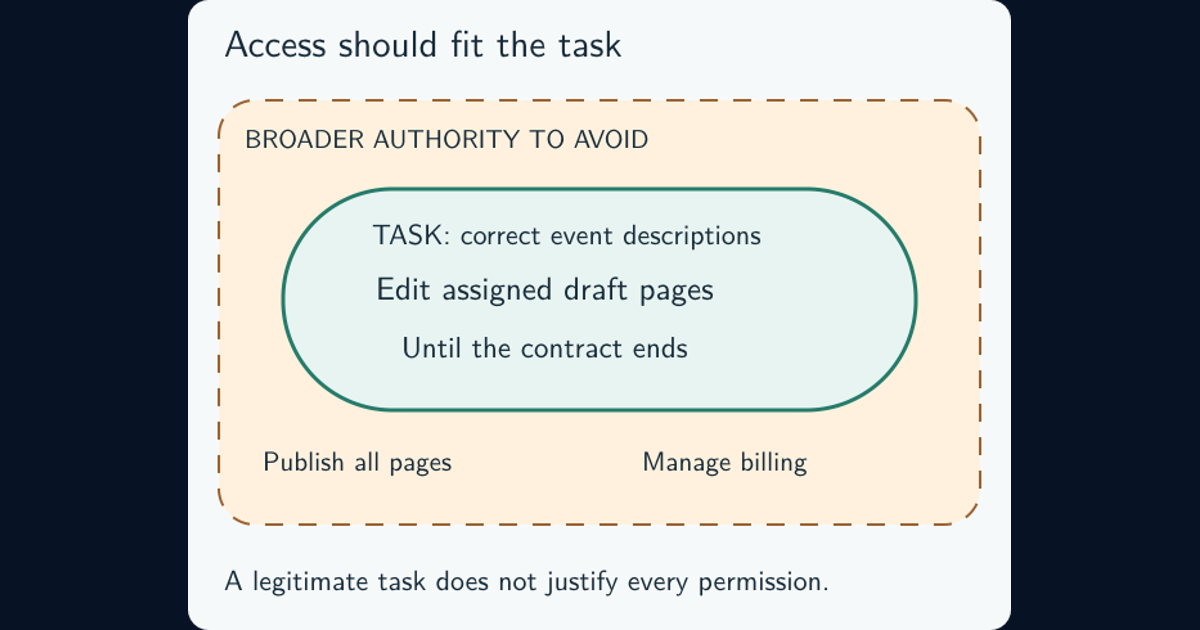
OWASP’s secure-by-default guidance includes disabling production debugging and applying restrictive permissions. The least-privilege guide develops the access decision beyond the account’s role name.
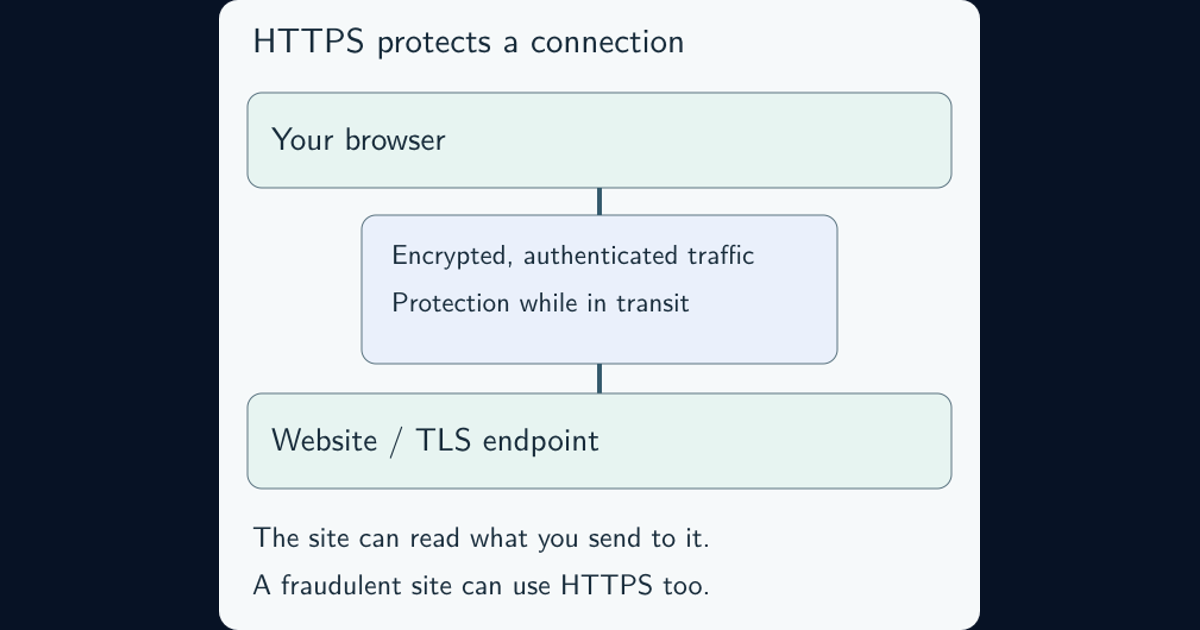
Protect the traffic that still needs to flow. HTTPS and certificates explain why connection encryption is important and why it does not establish whether the destination or its configuration is trustworthy.
Secure defaults are the starting point; a baseline is the reference
Secure defaults mean the initial configuration provides appropriate protection without making the operator discover and switch on every essential safeguard. “Default” alone does not tell you whether a setting is safe or suitable for your deployment. Check the supported product documentation and the system’s role.
A benchmark provides configuration recommendations for a technology. An approved baseline records the configuration your organization has reviewed and adopted for a particular use. NIST defines a baseline configuration as an agreed reference maintained through change control.
Start from a suitable maintained source, such as the vendor’s guidance or CIS Benchmarks, and check the product version, system role, prerequisites, and impact of each setting. Microsoft similarly recommends well-tested security baselines rather than inventing the whole configuration yourself.
Record the chosen values, why they apply, how they will be checked, and any approved deviations. A database host and a user workstation should not inherit identical settings simply to make the paperwork uniform.
Roll out changes without losing the service or its management path
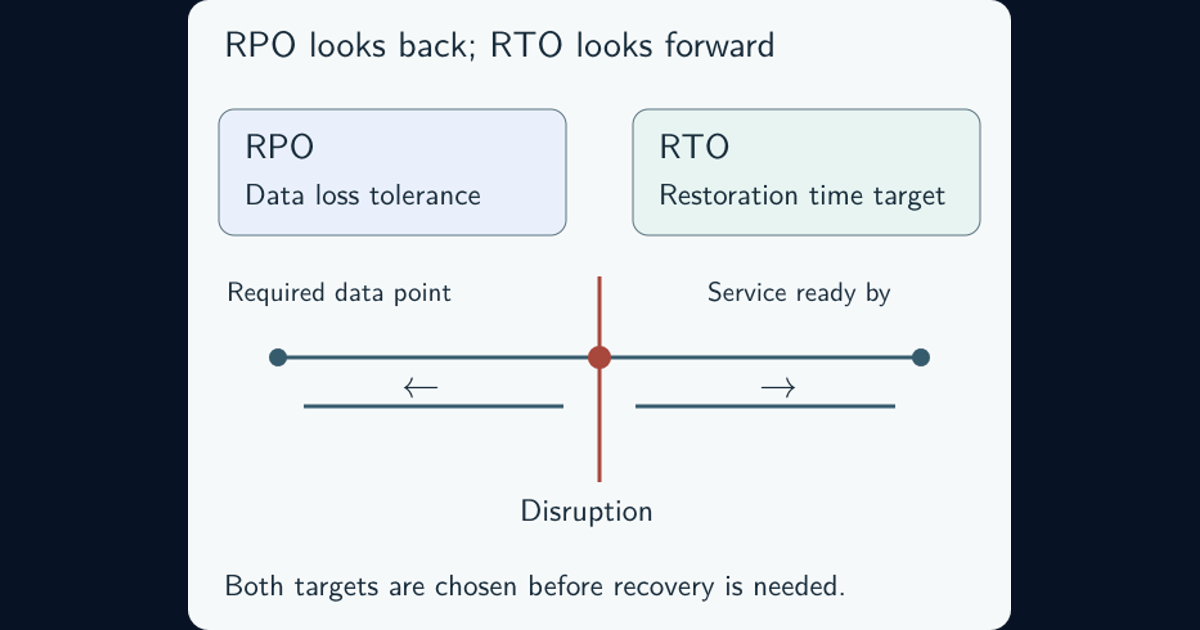
A restrictive setting can disrupt an integration, block support access, or prevent required logging. Before changing production, identify affected workflows and dependencies, save the current configuration, and prepare a workable rollback and recovery route. The backup recovery guide explains why a recoverable copy needs a demonstrated restoration procedure.
Pilot the change on a representative system or small group. Verify the security outcome and the required work separately: the unwanted route should be blocked, while legitimate users and administrators should still complete their tasks. Include restarts, service recovery, and scheduled jobs where they can change the result.
Expand in stages and watch for failures. If a necessary function breaks, investigate the specific setting and dependency instead of permanently abandoning the entire baseline. Document a justified exception or revise the design, then repeat the relevant checks.
Automation makes consistent deployment easier, but it still needs testing and tailoring. MITRE’s Security Automation Framework provides examples of reusable hardening content designed to be adapted to an organization’s requirements.
Configuration drift: when approved settings and reality diverge
Configuration drift is a departure from the intended configuration. A support engineer might temporarily enable debugging and forget to turn it off. An old deployment template might restore an earlier setting. A higher-priority management policy might override the local file that was just edited.
Compare the approved baseline with the effective running state, using checks appropriate to the platform. A successful deployment message proves less than observing the setting and its effect at the target. Microsoft’s resource-hardening guidance recommends checks against a baseline to detect drift.
For each finding, establish the affected systems, observed value, expected value, time, and likely cause. Determine whether it is an approved change, an expired exception, a mistake, or possible unauthorized activity. Not every difference is an attack, and automatically reverting every change can create an outage.
Correct the source as well as the current instance. If the old template remains in use, a manual fix can disappear at the next deployment. Give accepted exceptions an owner, reason, compensating protection, and review or expiry date. NIST’s configuration-management guide treats change control and ongoing monitoring as connected responsibilities.
What a hardening report should demonstrate
A useful report identifies the systems covered, the baseline version, when and how settings were checked, failures, and approved exceptions. It distinguishes a setting that passed from one that was not applicable or could not be assessed. Unknown state should not silently become a pass.
A benchmark pass percentage needs that context. A high score can hide one consequential exposure, incomplete coverage, or checks against the wrong product version. Record whether the essential workflows and recovery route were tested, not just whether the configuration scanner ran.
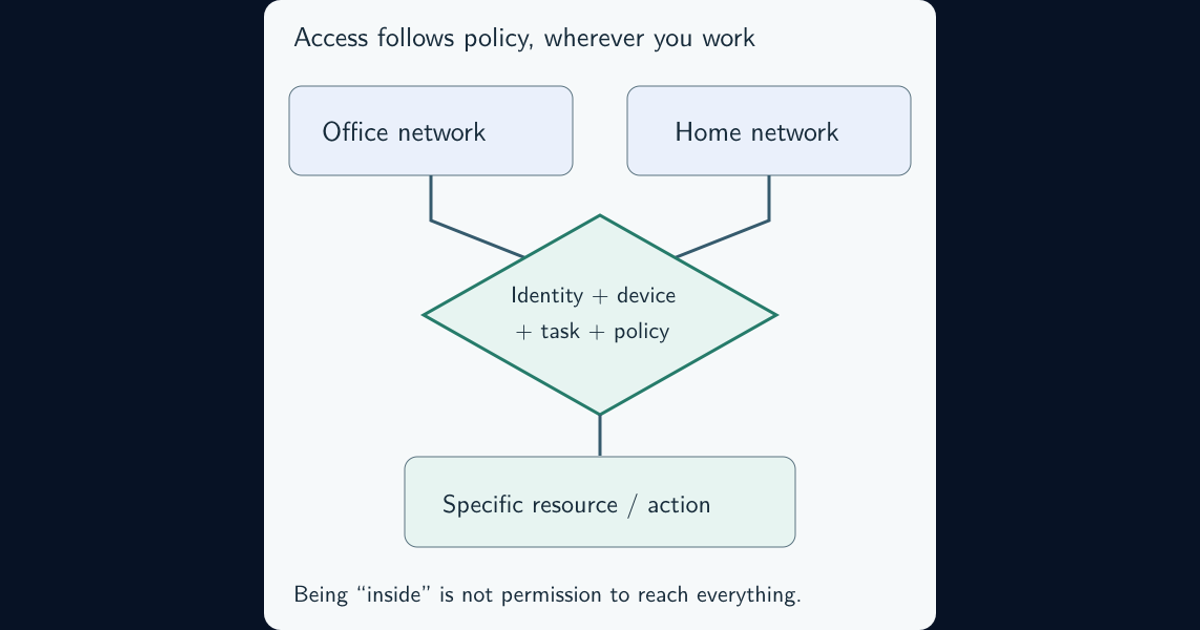
When access policies rely on device or service health, verified configuration can also support zero-trust access decisions. The value depends on current evidence, not a baseline approved months ago with no observation of what runs today.
Hardening becomes durable when the observed state matches the approved configuration and its documented exceptions, and the deployment mechanism preserves that result. Keep the evidence current as software, service roles, and requirements change.
Frequently asked questions
Is system hardening the same as patching?
No. Patching addresses software defects through updates, while configuration hardening adjusts settings, functionality, and exposure. A wider hardening program may include both. One does not remove the need for the other.
Should every default setting be changed?
No. Some defaults already provide the right protection. Evaluate the intended use, supported product guidance, and effective configuration. Changing a setting merely because it is a default can weaken security or break a necessary function.
Does passing a benchmark prove a system is secure?
No. The result is evidence about the checks, scope, and time assessed. It does not establish that every attack path is covered, that untested settings are correct, or that the configuration will remain unchanged.