Attack Surface vs Attack Vector: Differences and Examples
Attack surface describes where a system can be reached or affected; an attack vector describes how it is attacked. Compare both with vulnerabilities.
The difference at a glance
An attack surface is the set of points where an attacker could interact with a system to enter it, affect it, or extract data. An attack vector is a particular method or route used to attack it. A staff sign-in page belongs to the surface; trying stolen credentials at that page is a vector.
| Term | What it describes | Support-portal example |
|---|---|---|
| Attack surface | The interaction points within a defined scope | Sign-in, ticket submission, attachment handling, and exports |
| Attack vector | How an attacker attempts access or compromise | Submitting a crafted attachment to exploit file processing |
| Vulnerability | A weakness an attack can exploit | A flaw in the component that reads attachments |
| Asset | Something valuable you want to protect | Customer records and the working support service |
The NIST attack-surface definition includes entry, effects, and extraction—not only internet-facing login pages. The UK NCSC glossary describes an attack vector as the method used to gain unauthorized access. Definitions vary in detail; keeping the interaction point, method, and weakness explicit makes the distinction useful.
An attack surface can exist without a known vulnerability
A customer-support portal needs to accept ticket text and attachments. Those interfaces remain part of its attack surface even when testing has found no exploitable flaw. Being reachable describes an opportunity for interaction, not proof that an attack will succeed.
A vulnerability is the weakness that could enable harm. NIST’s vulnerability glossary includes weaknesses in systems, procedures, controls, and implementation. It is therefore broader than a published software bug.
Keep observations separate. “Customers can reach the address that accepts attachment uploads” describes surface. “The file-reading component has a confirmed exploitable flaw” is a vulnerability finding. “An attacker submitted a file exploiting that flaw” describes an attack method and event. Do not turn the first observation into the second or third without evidence.
For the same reason, an inventory of vulnerable products cannot describe the complete surface. Necessary features, identities, integrations, and data-release paths also need attention.
Two possible attack vectors against one support portal
Consider a hypothetical portal that accepts attachments and allows staff to review customer tickets.
Attachment route: an attacker submits a specially crafted file that reaches a vulnerable parser—the component that reads and interprets the file. The upload endpoint, or request address, and its processor are relevant parts of the surface; delivery through that workflow is the route; the parser flaw is the weakness. OWASP’s file-upload guidance identifies parser exploitation among the threats upload features must address.
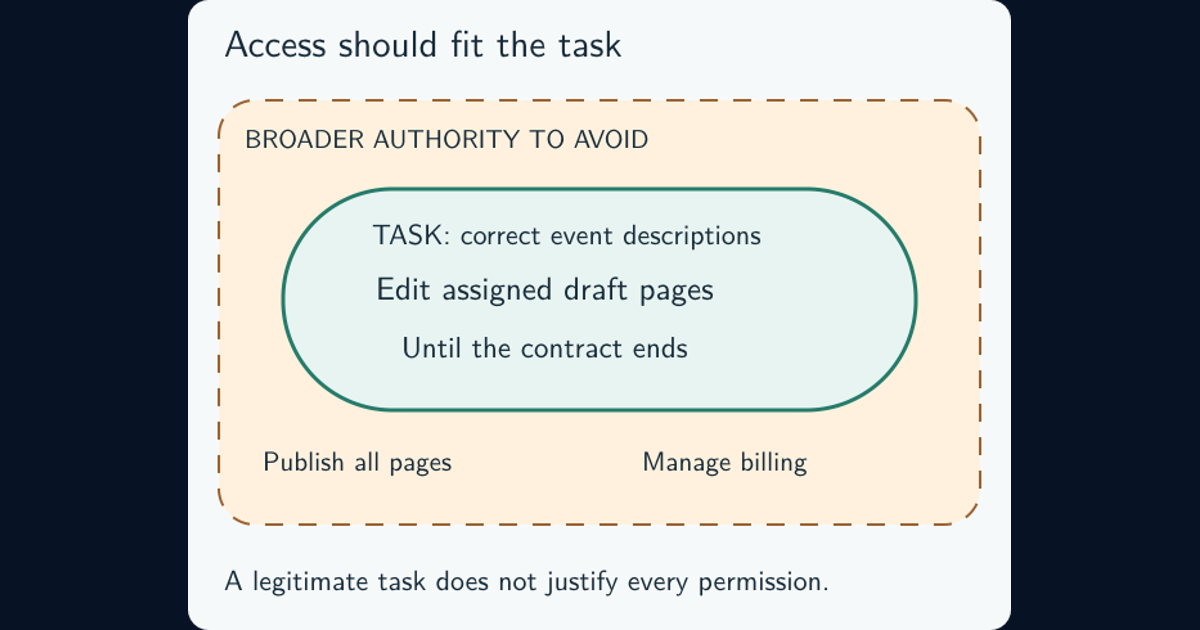
Credential route: an attacker tries a stolen staff password at the legitimate sign-in page. Whether that succeeds depends on the other authentication controls and conditions. If access is gained, the account’s effective permissions determine what it can reach. The phishing-resistant MFA and recovery guide and least-privilege guide cover these separate decisions.
Repairing the parser does not protect a stolen password. Stronger sign-in does not fix a parser flaw reachable through customer uploads. Connecting each method to its entry point and weakness makes the needed response clearer.
Look beyond the anonymous internet view
The relevant surface changes with the access being considered. An anonymous visitor may submit a ticket. A customer account may retrieve its own attachments. A staff account may export a queue. An integration may import records without using the visible website.
OWASP’s attack-surface analysis considers data and command paths in both directions, with different roles and privilege levels overlaid. In the portal, an anonymous crawl cannot establish which staff exports, integration functions, or administrative actions are reachable after sign-in.
For a wider organization, also consider physical access and human workflows: a device left accessible or a support process that can reset an account creates a different opportunity from a public web form. Human verification under pressure explains safeguards for sensitive requests.
State the system boundary and viewpoint in your review. “Public portal reviewed anonymously on this date” is meaningful. “Entire attack surface checked” needs much broader evidence.
Reducing surface and reducing vulnerability are related actions
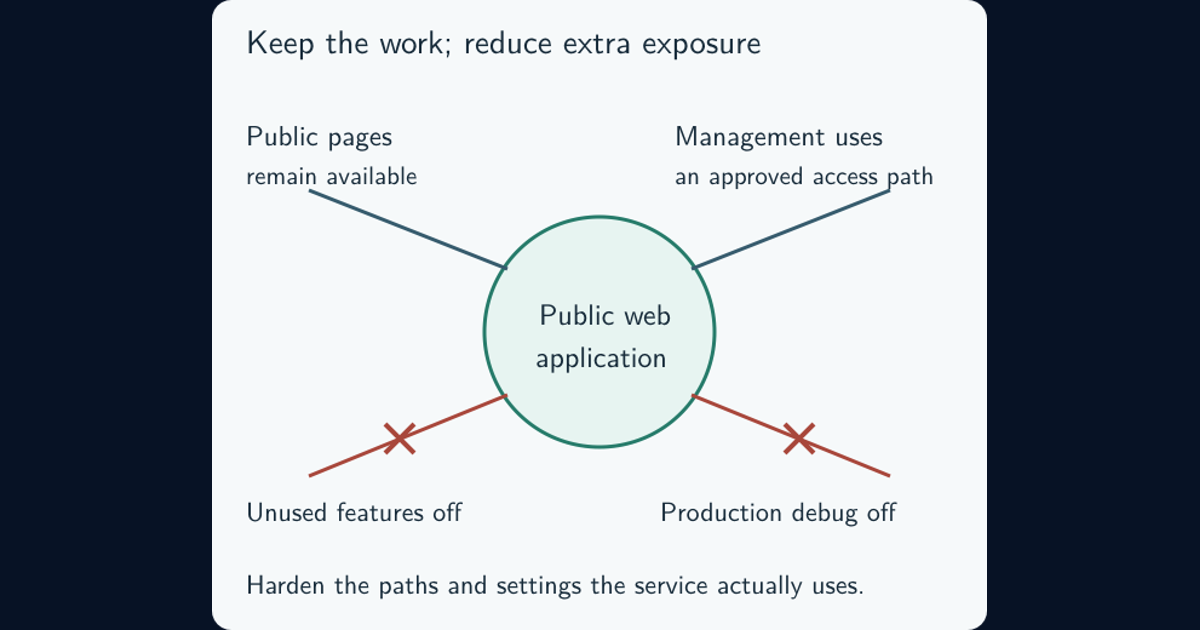
Removing an unnecessary interface can eliminate a route altogether. Restricting an administrative service to an approved management path narrows who can reach it. Fixing a parser flaw addresses a weakness while leaving a necessary upload feature available. These changes can all improve security, but they produce different results.
Suppose the portal retires an old attachment workflow. Removing its button does not necessarily disable the software that receives those upload requests. Check the deployed route, older supported versions, and integrations that might still invoke it. Verify that the replacement workflow works before completing the retirement.
CIS Safeguard 4.8 addresses uninstalling or disabling unnecessary services. The system-hardening guide develops how to choose and maintain the intended configuration. For a necessary upload feature, OWASP recommends layered controls such as allowed file types, size limits, appropriate storage, and maintained processing libraries.
An “attack surface reduction” feature in a security product has its own defined scope. Check what its rules actually constrain before treating a product setting as a review of the whole organization.
Use the distinction to decide what to check next
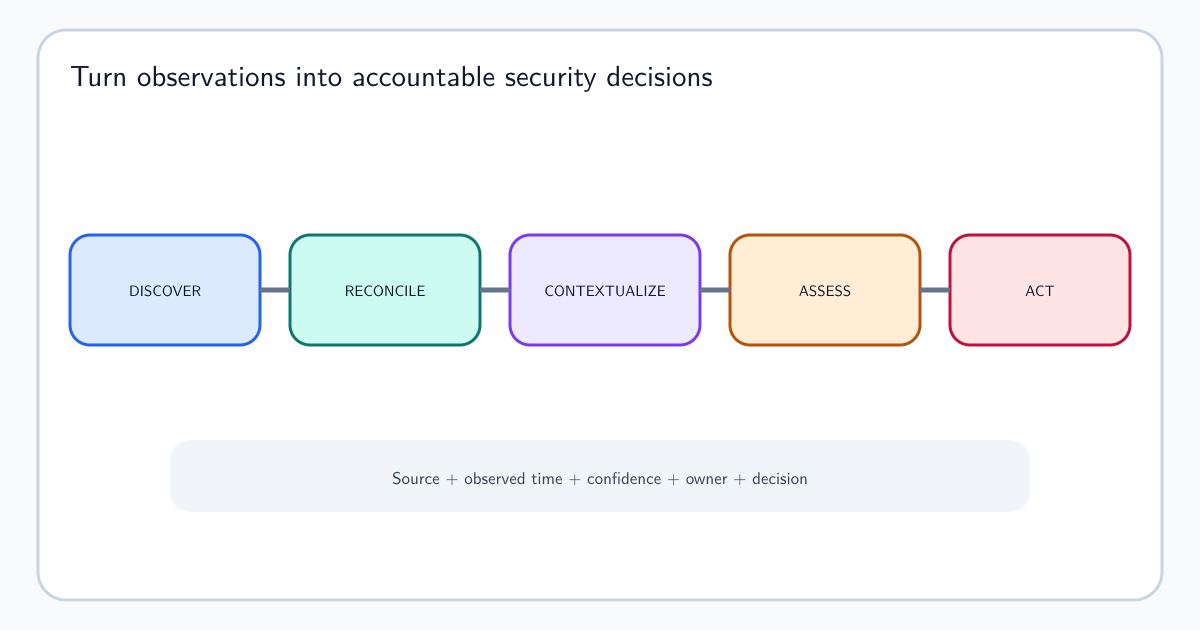
Choose a consequential interaction point and write down its owner, purpose, reachable users or systems, data access, and observation date. Add a plausible attack method, the conditions it would require, and the consequence if it succeeded. Mark unverified conditions as questions.
For the old upload route, the next action might be to confirm it is still active and identify dependent integrations. For staff sign-in, it might be to verify authentication and account-recovery protections. Prioritize credible paths to sensitive records or service disruption, rather than treating every endpoint as equally important.
The asset-intelligence guide covers the maintained inventory and ownership process behind that record. Defense in depth explains how complementary safeguards protect paths that must remain available.
One further terminology check: Attack Vector has a specific meaning in the Common Vulnerability Scoring System (CVSS). FIRST’s CVSS v4.0 specification assigns Network, Adjacent, Local, or Physical according to exploitation context. That metric does not identify an organization’s complete attack surface or prove that its deployed instance is reachable.
Frequently asked questions
Does patching remove a system from the attack surface?
Usually it fixes particular weaknesses while the service or interface remains available. Retiring an unused service or disabling an unnecessary feature removes that interaction point. Necessary services still need appropriate protection after patching.
Is phishing an attack surface or an attack vector?
Phishing describes an attack method, so it is normally discussed as a vector. The receiving channels, people, and sensitive workflows are relevant parts of the exposure being considered. State the particular action and access sought rather than relying on the label alone.
Can an organization have no attack surface?
A working organization needs interactions between users, systems, devices, and services. The practical goal is to remove unnecessary paths, constrain access to the necessary ones, and verify their protections. Having no known vulnerabilities is not the same as having no attack surface.