Immutable Backups for Ransomware Recovery
Immutable backup ransomware recovery requires isolated administration, retention locks, independent identities, clean restore points, and tested dependencies.
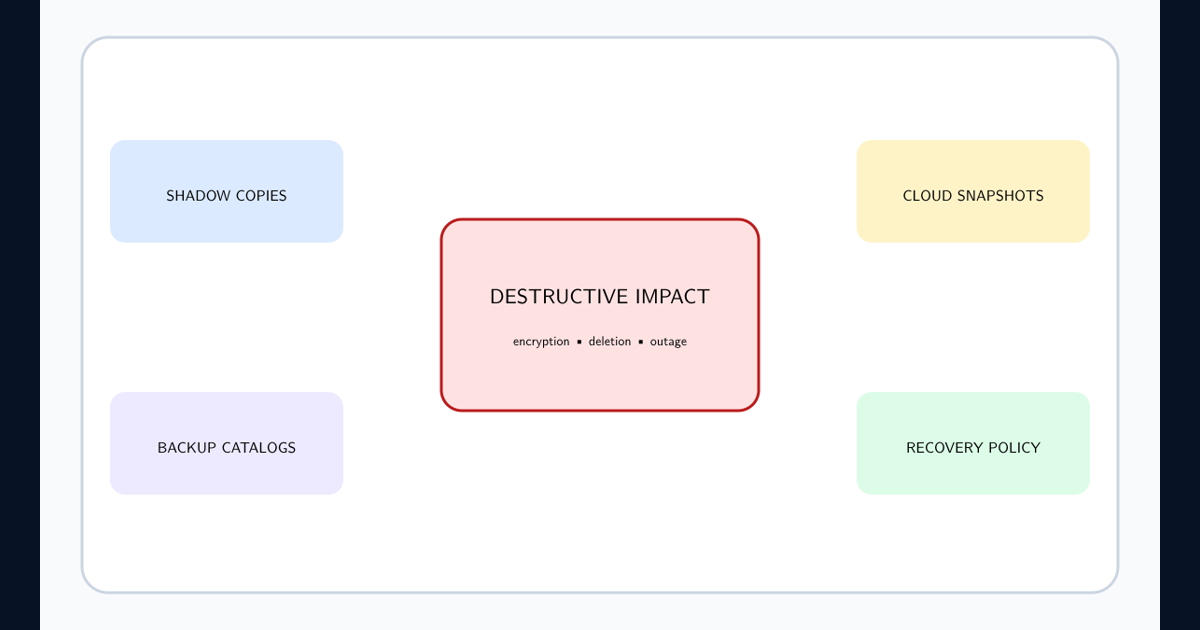
Define what immutability protects and what it does not
Immutable backup ransomware recovery uses retention controls that prevent backup objects from being changed or deleted before an authorized deadline. It does not make infected data clean, preserve missing encryption keys, rebuild identity, or guarantee the application can start.
The CISA ransomware guide recommends offline encrypted backups and regular restore tests. Combine immutable, offline or isolated, and separately administered copies according to risk; no single label replaces tested recovery.
Separate identities, deletion authority, keys, and catalogs
Use a dedicated backup identity domain or strongly isolated administration, phishing-resistant MFA, privileged workstations, approval for retention changes, and alerts for deletion, policy reduction, key changes, agent removal, and mass failures. Production administrators should not be able to erase recovery copies.
Protect catalogs, configuration, encryption keys, credentials, network paths, software installers, and rebuild documentation. Apply system hardening to backup infrastructure and keep an independently readable inventory.
Test a dependency-ordered restore against RPO and RTO
Map identity, DNS, networking, keys, databases, queues, storage, applications, and external integrations. Select a restore point before confirmed attacker access, scan it in isolation, rebuild a trusted landing zone, and restore in dependency order.
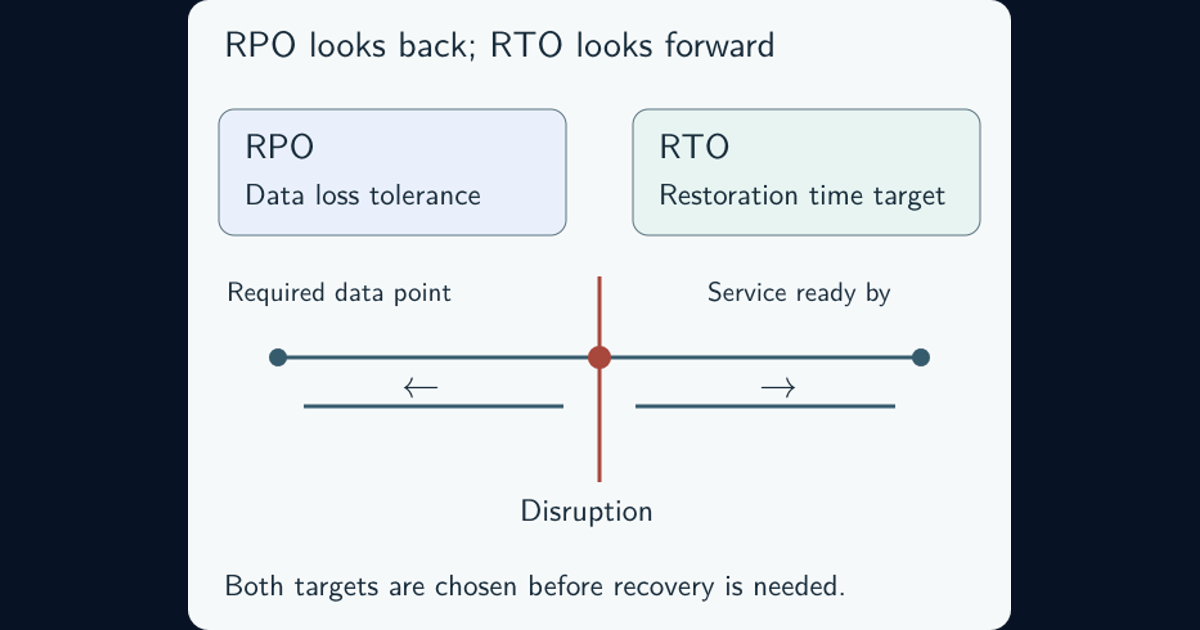
Measure actual data loss and elapsed time against RPO and RTO. Test authentication, business transactions, reconciliation, monitoring, and rollback—not merely file extraction. The NIST OT Backup Quick Start Guide likewise emphasizes regular creation, testing, and recovery exercises.
Protect recovery assets before beginning restoration
During the incident response lifecycle, secure backup systems and copies from further access, preserve audit logs, investigate whether policies, keys, catalogs, or restore points changed, and identify attacker dwell time. Do not connect backups to a still-compromised environment.
Establish clean administrative identities and infrastructure, choose a defensible restore point, rebuild rather than trust compromised hosts, rotate credentials, and monitor restored services for persistence. Record every restored object, source snapshot, validation result, exception, and owner sign-off.
Measure recoverability instead of backup-job success
Track protected critical services, immutable retention coverage, deletion-policy changes, restore-test age, verified RPO/RTO attainment, dependency failures, clean restore-point depth, and time to establish trusted administration. “Backup completed” measures copying, not recovery.
Restore one critical service in isolation
Next step: choose one non-production service and a documented business transaction. Restore identity dependencies, keys, data, and application into an isolated environment; measure loss and time; verify the transaction; then record gaps and owners.
Use known-good test data for exercises and label it as simulation. Do not claim ransomware readiness from a tabletop alone.
Frequently asked questions
Does immutable mean a backup is recoverable?
No. Immutability protects retention but does not prove completeness, cleanliness, application consistency, key availability, or restore performance.
Are immutable and offline backups the same?
No. An offline copy is disconnected; an immutable copy resists change during retention. Strong designs use multiple independent protections.