RPO vs RTO: Backup Recovery Targets and Restore Tests
RPO sets data-loss tolerance; RTO sets a recovery-time target. Use a worked example and restore tests to check what your backups can actually deliver.
RPO vs RTO: the difference in one minute
Recovery point objective (RPO) sets how far back you must be able to recover data. Recovery time objective (RTO) sets how quickly the scoped system or service must be restored. In plain terms: RPO concerns tolerable data loss; RTO concerns tolerable downtime.
An RPO of 30 minutes means the recovery design should preserve data to a point no more than 30 minutes before the disruption. An RTO of one hour means the agreed recovery outcome is due within an hour of the defined starting event. Neither number proves what a backup system can actually deliver.
NIST defines the recovery point objective and recovery time objective as planning concepts. Keep these targets separate from the data gap and elapsed recovery time measured during a test or incident.
Worked example: enough data, but ten minutes too late
A booking service stops at 14:00. Its agreed targets are a 30-minute RPO and a 60-minute RTO, measured from the outage to a usable booking service.
The team restores to a usable data point from 13:40. After restoring the application and checking the booking workflow, the service is accepted at 15:10.
| Check | Calculation | Outcome |
|---|---|---|
| Data gap | 14:00 minus 13:40 = 20 minutes | Meets the 30-minute RPO |
| Elapsed recovery | 15:10 minus 14:00 = 70 minutes | Misses the 60-minute RTO by 10 minutes |
The data gap indicates that up to 20 minutes of changes need reconciliation or reconstruction; it does not tell you how many bookings were lost. The team must examine the transactions and any independent records.
This is a mixed result, not an overall “backup passed.” Faster copying might help the time target, but so might earlier access to recovery credentials or automated validation that preserves the acceptance checks. Record where the time went before selecting the fix.
Choose targets from the work that would be interrupted
The service owner and technical team should agree the consequences of missing data and unavailable service. How many changes happen in an hour? Can they be reconstructed? Is there a safe manual workaround? What fails downstream if this service remains unavailable?
NIST’s contingency-planning guide uses business impact and dependencies to establish recovery priorities. A static reference library and an actively changing booking database need not have identical targets.
Define what “restored” means before timing the test. A running virtual machine is not necessarily a usable service. In the booking example, an authorized user must be able to search availability, create a test booking in the isolated environment, and retrieve it. State whether remaining backlog or reconciliation is part of acceptance or a separate task.
If the target cannot be met with the current design, document the gap and options. Changing the target after a failed test to make the result look successful hides the decision.
Why a backup schedule does not prove an RPO
“Back up every 30 minutes” is a schedule, not evidence of 30-minute recoverability. A job can fail, a copy can be incomplete, replication can lag, or the newest point can be unusable. Check the timestamp represented by the recoverable data, not just when a job finished.
For example, if the 13:30 and 14:00 jobs fail and the service stops at 14:10, a last usable point of 13:00 leaves a 70-minute gap. The original schedule has not changed, but a 30-minute RPO has been missed.
Synchronization can also reproduce deletion or corruption. The personal-data and backup guide explains why a synchronized copy alone is insufficient recovery protection.
Retain versions for the failures you need to recover from. A recent copy is not automatically the right copy after an intrusion; establishing a trustworthy recovery point may require going further back. That older point can miss the original RPO even if every scheduled backup completed. NCSC’s ransomware-resistant cloud-backup principles address recovery when later versions become corrupted.
Keep the recovery copy and its dependencies usable
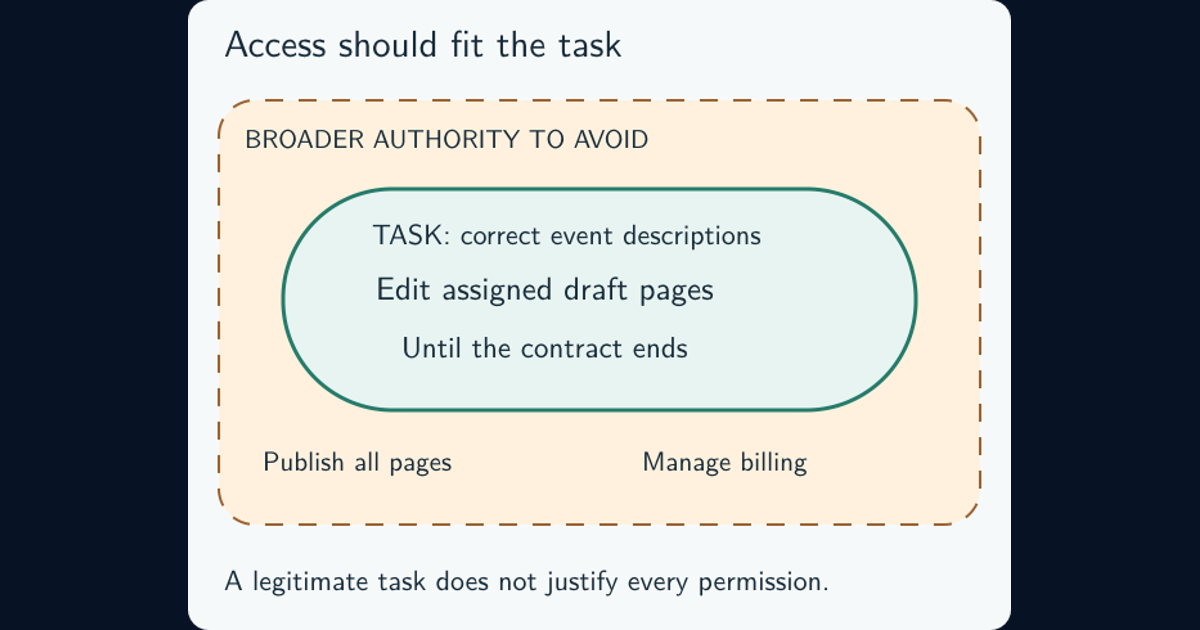
Separate backup protection from backup existence. Ask whether an attacker with production administrator access could delete recovery points, shorten retention, disable recovery accounts, or destroy the decryption keys. NCSC’s ransomware-resistant backup guidance explains why cloud and on-premises backups need deliberate protection against destructive actions.
Offline copies and appropriately enforced immutability can protect against different destructive paths, but neither proves that a copy contains trustworthy data. Verify who can override retention; S3 Object Lock’s retention modes illustrate how that protection depends on configuration. Least privilege helps limit who can alter backup administration; encryption and key control matter because intact encrypted data is useless if the recovery key is unavailable.
Restoring a service may also require software, configuration, transaction logs, identity, DNS, networking, and supplier access. Map those dependencies and identify what can be recovered when production management systems are unavailable. The cloud shared-responsibility guide explains how to assign those recovery responsibilities.
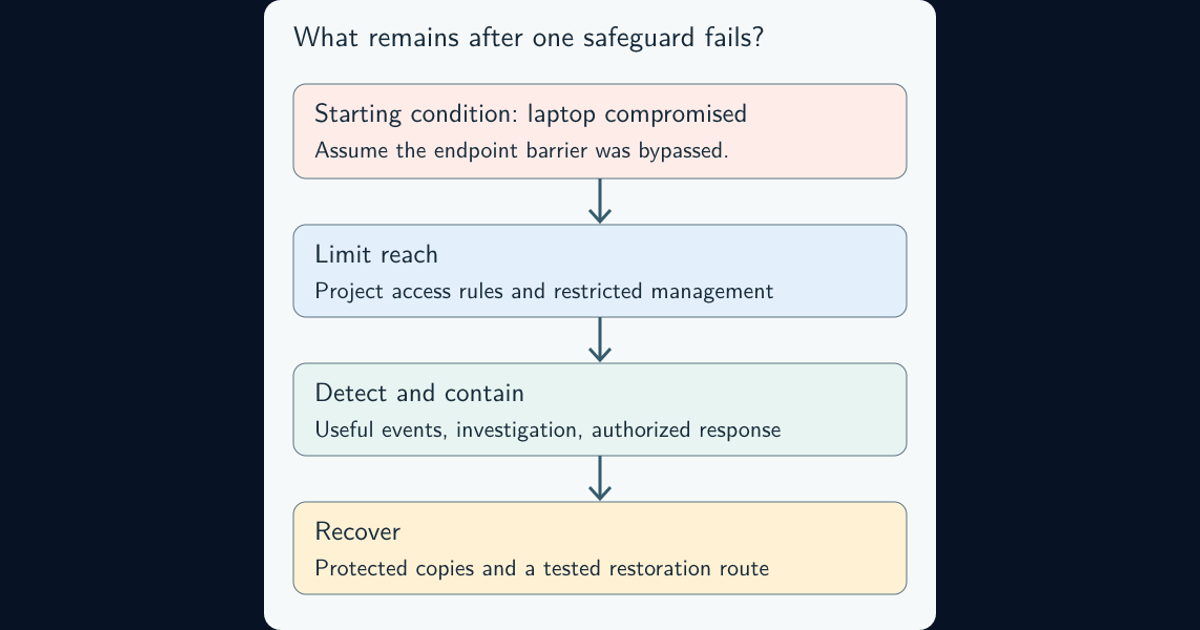
During an actual compromise, coordinate the restore point and reconnection decisions with ransomware containment and recovery. A quick restore must not simply reintroduce the compromised access path.
Run a restore test that can produce a meaningful result
Choose a representative service, a failure scenario, and acceptance criteria. Restore into an isolated, authorized test environment that protects production and any sensitive data. Use realistic dependencies and document anything the exercise assumes is already available.
Then follow the recovery procedure and record the complete timeline. If timing starts only when someone presses “Restore,” the result omits earlier work. For the booking example, the outage reference is 14:00, and the finish is business acceptance at 15:10. The diagram breaks that illustrative 70-minute path into stages.
Validate the recovered data and application behavior. Compare records or known values with an appropriate baseline, check required permissions and configuration, and exercise the agreed workflow. AWS’s recovery-testing guidance explicitly distinguishes restoring a resource from checking that its data is usable and its recovery meets the objectives.
Keep a short result record: service and scenario; RPO/RTO targets; chosen recovery point; start and acceptance times with their time zone; observed data gap; validation results; excluded dependencies; and the owner and retest date for each gap. CIS Control 11 frames recovery around returning assets to a pre-incident, trusted state.
Schedule further tests according to service criticality, changes, and applicable requirements. Rotate through relevant older recovery points and repeat after material changes to the recovery path. A successful test supports the scenario and scope exercised; it does not prove every backup, every failure mode, or future performance.
Frequently asked questions
Does zero RPO mean zero downtime?
No. A zero RPO targets no loss of the in-scope data. It does not establish how long the service takes to recover. Recovery time is a separate objective with its own dependencies and tests.
How often should backups be tested?
Set a schedule based on service criticality, changes to the recovery path, and applicable requirements. Include representative restores and application checks, not just backup job status. One fixed interval is not appropriate for every service.
Does an immutable backup guarantee clean recovery?
No. Immutability can protect retained copies against certain changes or deletion, depending on its enforcement. It does not prove the data is free from corruption or compromise, or that the keys and dependencies needed to restore it will be available.