Inhibit System Recovery: Ransomware Detection Guide
Inhibit system recovery detection covers shadow-copy deletion, backup-catalog changes, recovery disablement, cloud snapshot removal, and containment.
Detect recovery inhibition as a cross-platform behavior
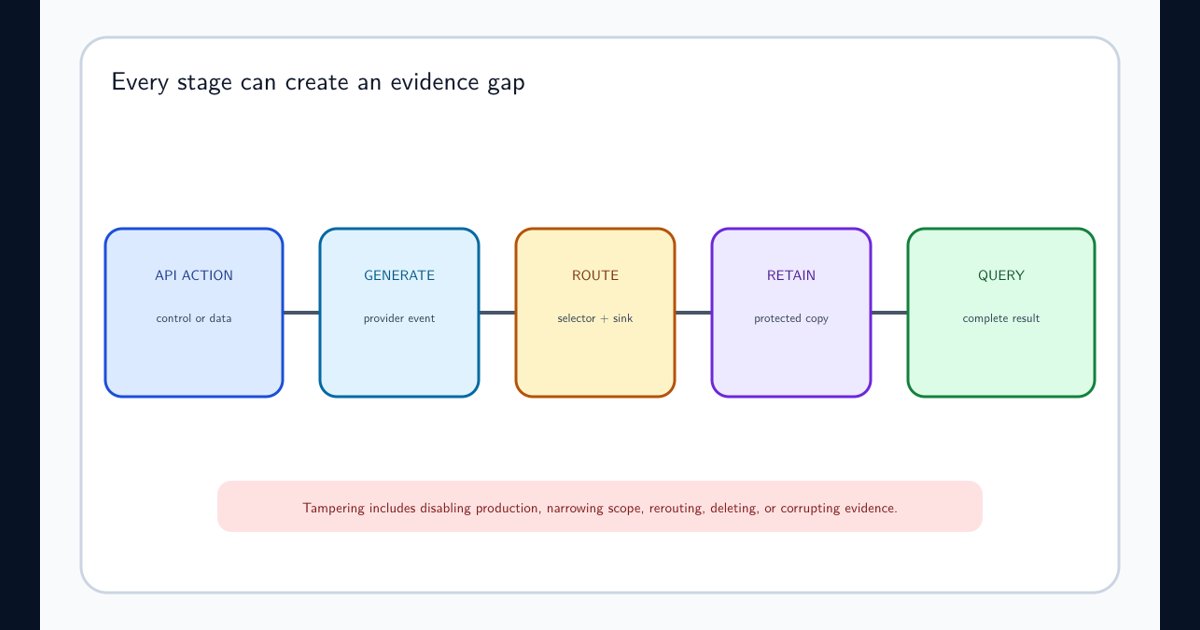
Inhibit system recovery detection looks for actions that delete or disable restore mechanisms before or during destructive impact. MITRE ATT&CK T1490 includes Windows shadow copies and recovery configuration, Linux recovery assets, ESXi snapshots, network-device images, cloud snapshots, backup schedules, versioning, and connected backups.
A utility name is not the behavior. Model the protected recovery object, destructive action, actor, authorization, breadth, and sequence. The same administrator command can be routine maintenance on one host and an urgent ransomware precursor across hundreds.
Collect destructive actions and the authority behind them
On endpoints, collect process, parent, command line, token privilege, user, host, remote session, service changes, and recovery-object events. Cover native utilities and APIs rather than relying only on names. On hypervisors and cloud, collect snapshot deletion, policy disablement, versioning changes, backup-vault access, catalog changes, retention reduction, and key deletion.
Normalize actor, control plane, recovery object, action, success, count, protected workload, region, source, session, approval, before-and-after state, and event time. Export backup audit independently so the compromised environment cannot erase it.
Prioritize destructive breadth, unusual parents, and attack sequence
Alert on recovery deletion by interactive shells, remote-management tools, office or script interpreters, first-seen administrators, or compromised service accounts. Increase severity for all-snapshot operations, many hosts, policy disablement followed by deletions, catalog or key removal, defense impairment, data encryption, mass file rename, or ransom-note creation.
Baseline approved retention jobs by exact identity, platform, target scope, schedule, binary or automation signature, and change ticket. A generic maintenance allowlist can suppress the very credential an attacker steals.
Protect surviving recovery assets before they are erased
Enter the incident response lifecycle: isolate affected administrative paths, revoke compromised privileged sessions, disable destructive identities, secure backup control planes through a trusted channel, and take protected copies offline where procedures allow. Avoid powering off indiscriminately when volatile evidence or safe containment matters.
Preserve process and command evidence, audit logs, deleted-object metadata, policy history, attacker access paths, and remaining restore points. Determine which workloads lost which recovery options and when. Begin immutable backup ransomware recovery only from a clean administrative environment after attacker persistence is contained.
Separate recovery administration from production compromise
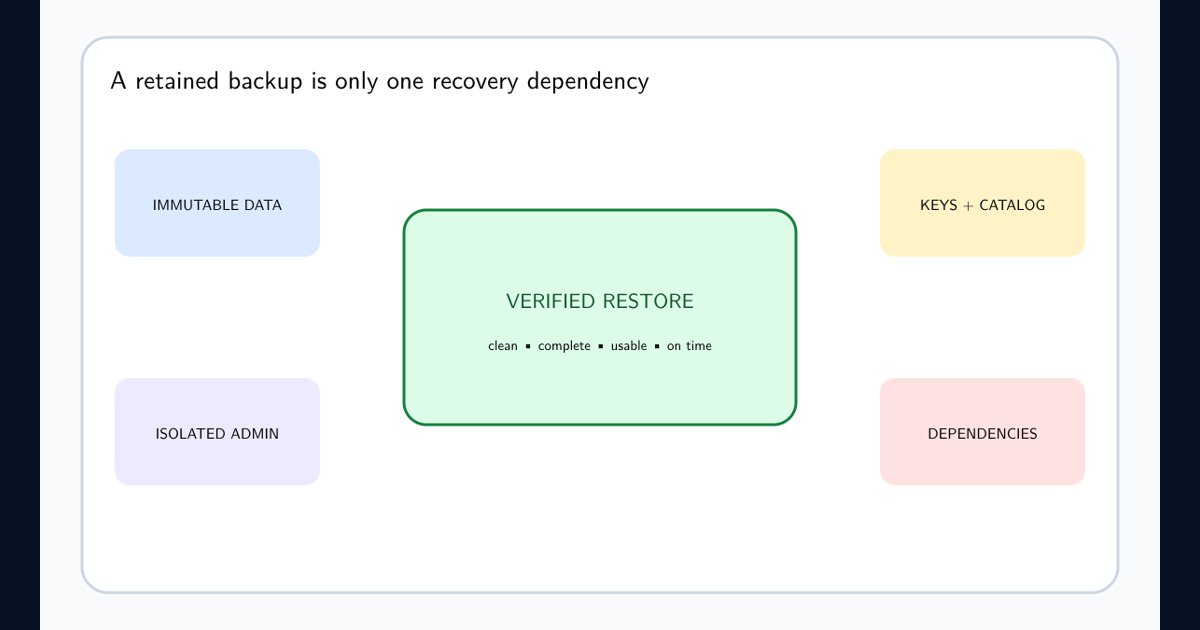
Use independent identities, phishing-resistant MFA, privileged workstations, approval and delay for destructive changes, immutable or offline copies, cross-account or cross-region isolation, application control for unnecessary utilities, and alerts delivered outside the protected environment. Test that monitoring still works when production identity is unavailable.
Validate one safe destructive-control path
Next step: in an isolated disposable system, create a test snapshot and attempt one authorized deletion through the native utility or API. Verify detection validation, privilege context, evidence preservation, containment handoff, and restoration from an independent copy. Label the exercise and never target production recovery assets.
Frequently asked questions
Is every snapshot deletion malicious?
No. Retention jobs and administrators delete snapshots legitimately. Detection needs actor, parent process, volume, timing, target breadth, change approval, and related destructive behavior.
Should recovery utilities simply be blocked?
Block unnecessary use, but backup and administration workflows may need them. Use application control, privileged access, approved automation, and behavioral detection.