Microsoft Purview DLP Policy Propagation Delay: Troubleshooting by Workload
Diagnose Purview DLP policy propagation delays without relying on a universal 24-hour rule by tracing synchronization, scope, content evaluation, client state, and evidence for each workload.
There Is No Universal 24-Hour DLP Propagation Rule
A delay can occur between saving a Microsoft Purview DLP policy and observing its effect, but “wait 24 hours” is not a diagnosis. The relevant timing depends on the workload, setting changed, device connectivity, content evaluation, and observation surface.
Microsoft Endpoint DLP synchronization guidance says updates generally synchronize across the service in about an hour. It separately states that Authorized Groups changes require 24 hours. After synchronization, targeted endpoint items are reevaluated when they are next accessed or modified.
Record the policy version, save time in UTC, changed property, intended scope, test event time, and expected result. Without those anchors, administrators often compare an old event with a new rule or a stale report with current enforcement.
Separate Synchronization, Evaluation, and Reporting
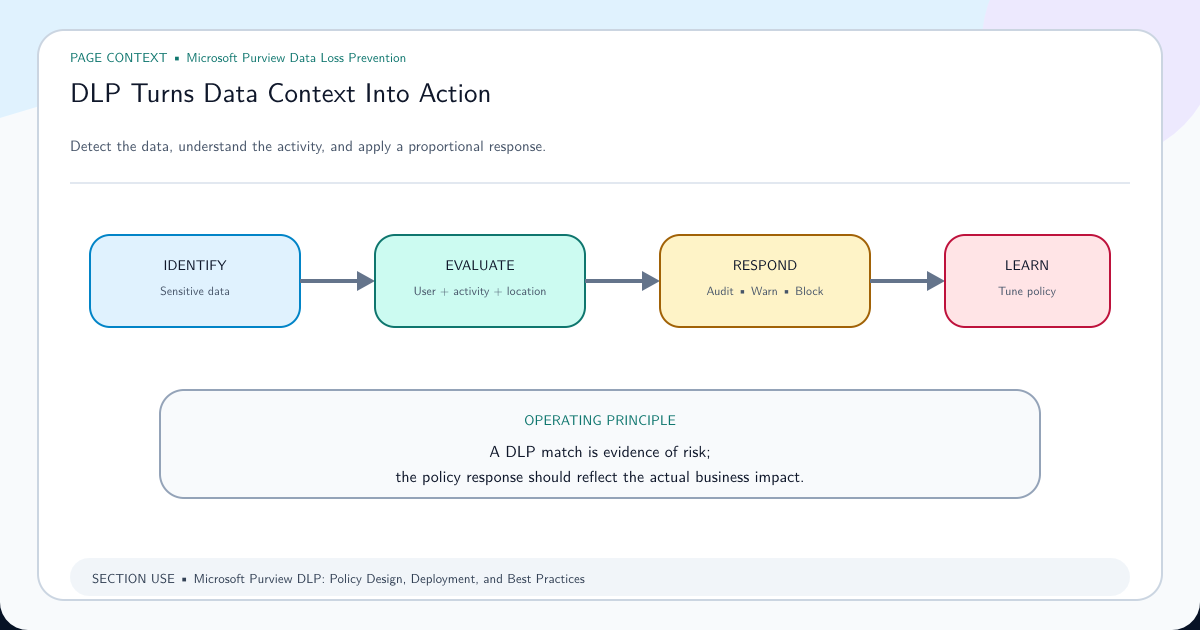
Synchronization distributes configuration through the service. Evaluation determines whether an item and activity meet the conditions. Enforcement applies audit, notify, restrict, or block behavior. Reporting makes the event visible in Activity Explorer, alerts, or another surface. These stages are related but not simultaneous.
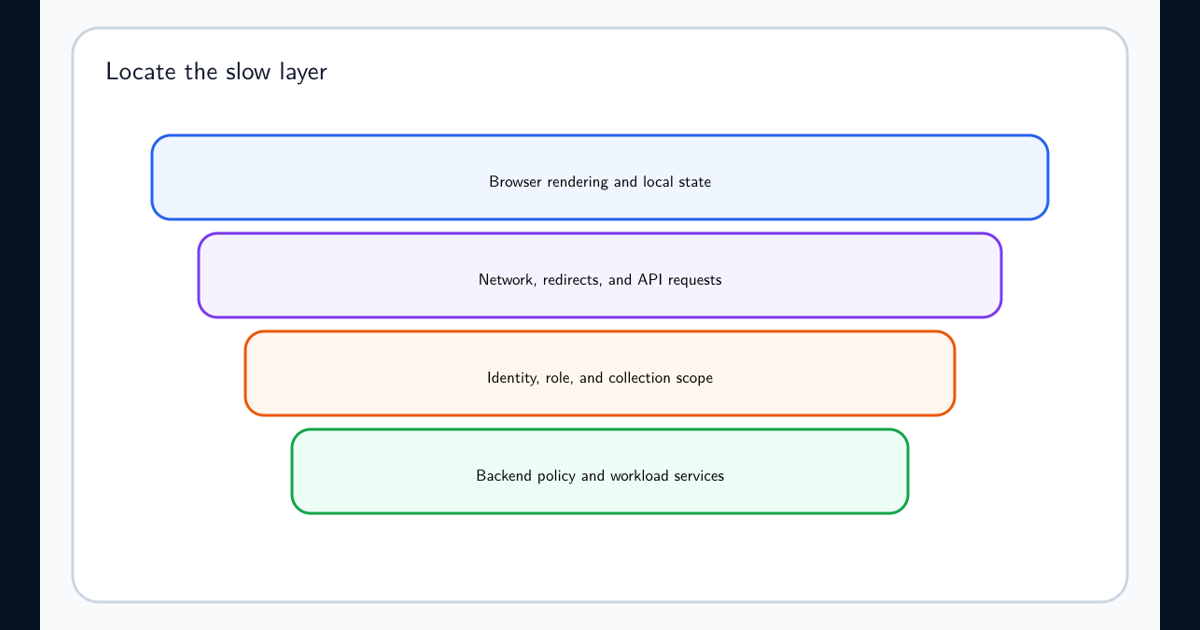
A toast without an Activity Explorer row can indicate reporting delay or offline telemetry. An audit event without a block can mean the effective rule action differs from the expectation. No event at all can indicate scope, unsupported content, device onboarding, or classifier failure.
Build the incident timeline around each stage instead of one elapsed duration. This prevents a slow report from being mistaken for missing enforcement and prevents a missing classifier match from being blamed on propagation.
Prove Effective Scope Before Waiting Longer
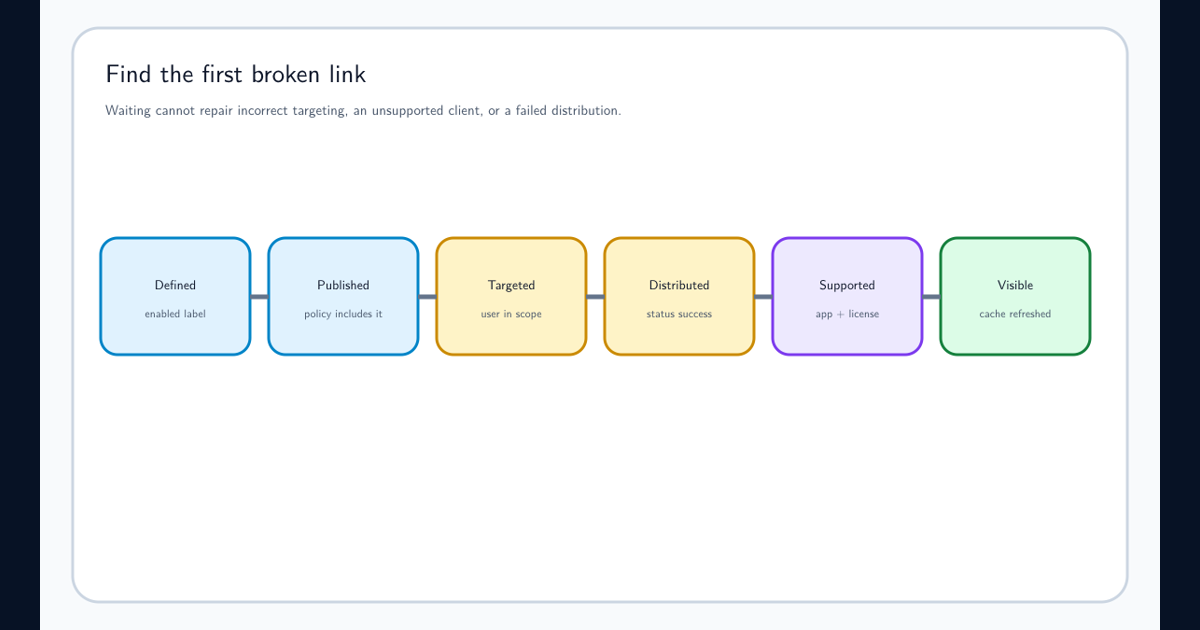
Confirm the policy is enabled in the intended mode and includes the correct location. Check user, group, site, device, repository, instance, and administrative-unit scope as applicable. Review exclusions, adaptive scope state, rule priority, and stop-processing behavior.
Use a single controlled identity and location. Verify group membership and licensing, and compare with a known-good target. A policy that never included the test user will not improve with time.
Consult the Microsoft DLP policy reference for location-specific scope and prerequisites. Exchange, SharePoint, OneDrive, devices, on-premises repositories, and inline web traffic do not share one identical scoping model.
Account for Offline Devices and Item Reevaluation
Endpoint DLP policy evaluation is centralized, but a device still needs connectivity for current policy state and telemetry. Microsoft notes that an offline device cannot synchronize new policies. Previously delivered policies can continue enforcing, while events appear in Activity Explorer only after the device reconnects.
Use a freshly created synthetic file or modify and reopen the controlled test item after the expected service synchronization. Confirm the file type is monitored and the classification actually matches. Just-in-time protection can temporarily block egress for unevaluated or stale items while evaluation completes; distinguish that protective state from the final rule action.
Capture device identity, onboarding health, last connectivity, file hash or unique test name, access time, policy tip, and audit time. Do not repeatedly rename real data to force reevaluation.
Use a Workload-Specific Test Instead of a Tenant-Wide Guess
For Exchange, send a new controlled message through the scoped mailbox and verify the relevant condition and action. For SharePoint or OneDrive, upload or modify a supported file in the exact included site and allow content processing. For endpoints, use a healthy onboarded device and supported activity. For on-premises repositories, verify scanner schedule, delta-versus-full scan behavior, and DLP enablement.
Keep report freshness separate from enforcement. An alert, simulation insight, or dashboard can lag behind the event it summarizes. Use the most direct evidence available: user behavior and policy tip, audit event, Activity Explorer record, scanner report, or workload-specific diagnostic.
If only one workload fails, stop changing the global classifier until its shared detection has been tested independently. The defect is more likely in location prerequisites, scope, content support, or observation.
Escalate With a Stable Baseline, Not a Trail of Emergency Edits
Once the documented window is exceeded, preserve the policy version and collect identifiers, UTC timestamps, scope, test content description, expected condition, observed behavior, audit evidence, device or workload health, and service-health information. Then use the relevant Microsoft diagnostic or support path.
Repeatedly toggling, cloning, or broadening the policy can reset the observation window and introduce overlapping rules. A stable minimal reproduction is more useful than a production policy with ten emergency exceptions.
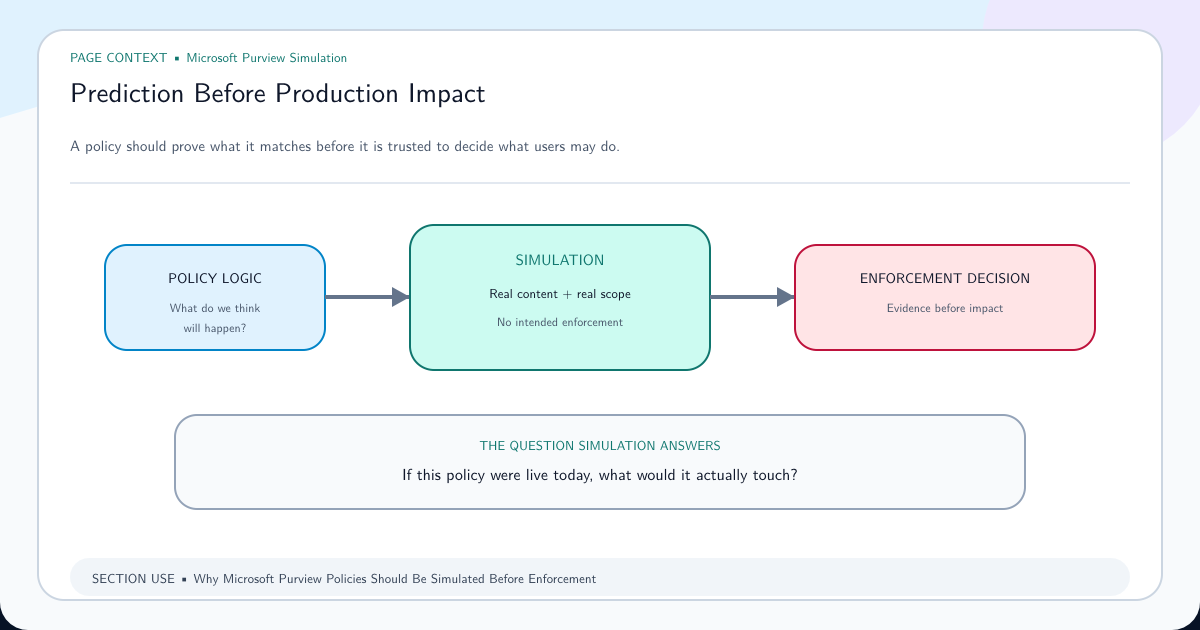
After resolution, add the scenario to a simulation-first rollout and canary checklist. Propagation becomes manageable when each workload has a known test event, owner, evidence source, and expected timing.
Frequently asked questions
Do Microsoft Purview DLP policies always take 24 hours to apply?
No. Microsoft says Endpoint DLP updates generally synchronize across the service in about an hour, while Authorized Groups changes require 24 hours. Other workloads and reports have their own timing and evaluation behavior.
Why does an old file still behave differently after the policy update?
Policy synchronization and content reevaluation are separate. Microsoft states that endpoint items are reevaluated when next accessed or modified after the service update; offline devices cannot receive new policy state.
Is repeatedly editing or duplicating the DLP policy a propagation workaround?
No. Repeated changes destroy the diagnostic baseline and can introduce conflicting scope or priority. Preserve one controlled version, verify its status and scope, and test with timestamped synthetic events.