Microsoft Purview Data Map API HTTP 408 Timeout: Batch Size, Pagination, and Retry Guide
Resolve Microsoft Purview Data Map API HTTP 408 timeouts by shrinking response graphs, paginating glossary calls, splitting bulk entity writes, preserving idempotency, measuring capacity, and collecting support-ready request history.
Read HTTP 408 as a Request-Shape Failure First
HTTP 408 means the Data Map request did not complete within the available request window. It is not the same as HTTP 429 throttling. Retrying the identical oversized request at full concurrency usually reproduces the timeout and can create uncertainty about partial writes.
Start by identifying what the request asks the service to materialize. A call that appears to fetch one glossary term can expand thousands of assigned-entity relationships. A request for all glossaries can include every term and category. A bulk entity call can contain a small number of entities but a very large graph of attributes and relationships.
Record the endpoint, method, API version, sanitized query parameters, payload bytes, entity count, relationship count, response code, elapsed time, UTC timestamp, client request or correlation ID, retry number, and observed outcome. This baseline tells you whether the fix is pagination, relationship exclusion, smaller writes, reduced concurrency, or Microsoft support.
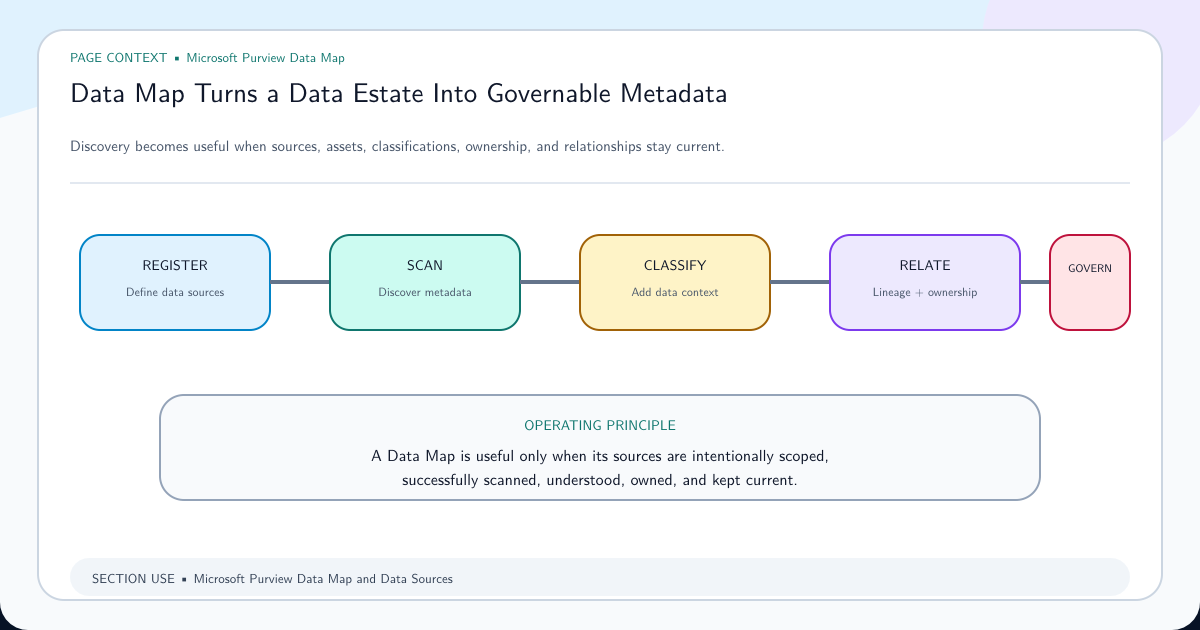
Review the Microsoft Purview Data Map architecture guide when the integration design does not clearly separate scanning, metadata ingestion, relationships, curation, and reporting. An API reliability fix should preserve that operating model.
Match the Timeout Pattern to the Correct Response
Use the request itself—not the integration name—to choose the remedy.
| Request pattern | Why it becomes expensive | First correction |
|---|---|---|
| List all glossaries | The default response can expand terms and categories under every glossary | Set ignoreTermsAndCategories=true; paginate glossaries with limit and offset |
| Get detailed glossary | One response materializes the glossary plus all terms and categories | Fetch the glossary, terms, and categories through separate paginated endpoints |
| List all terms in a glossary | The result set is unbounded | Add a small limit, advance offset, and checkpoint each page |
| Get one heavily used term | The term response includes large relationship collections | Exclude AtlasGlossarySemanticAssignment; list assigned entities separately with pagination |
| Bulk create or update entities | Payload size, entity complexity, and relationships must be processed together | Split into small idempotent batches and measure latency by payload size |
| Repeated calls succeed individually but fail under load | Concurrency exceeds the reliable operating envelope | Bound workers, add jittered backoff, and measure Data Map operations throughput |
Do not hide the problem by increasing a client timeout alone. If the service returns 408, reduce the work performed by each request.
Break Large Glossary Reads Into Paginated Resources
Microsoft’s timeout guidance gives a clear pattern: request the smallest resource, then page through its children. To list glossaries without expanding their complete trees, set ignoreTermsAndCategories=true and use a small limit with offset. Retrieve terms and categories only for the glossaries that need them.
Replace the detailed-glossary call with three bounded operations: get the glossary record, list its terms by page, and list its categories by page. For a single term with many assignments, request:
GET .../glossary/term/{termGuid}?excludeRelationshipTypes=AtlasGlossarySemanticAssignment
Then retrieve assignments separately:
GET .../glossary/terms/{termGuid}/assignedEntities?limit={limit}&offset={offset}&sort={sort}
Store the last successful offset and the resource version or retrieval time. If page 17 fails, resume from page 17 rather than restarting the entire glossary. Deduplicate by GUID because data can change while a long pagination job runs.
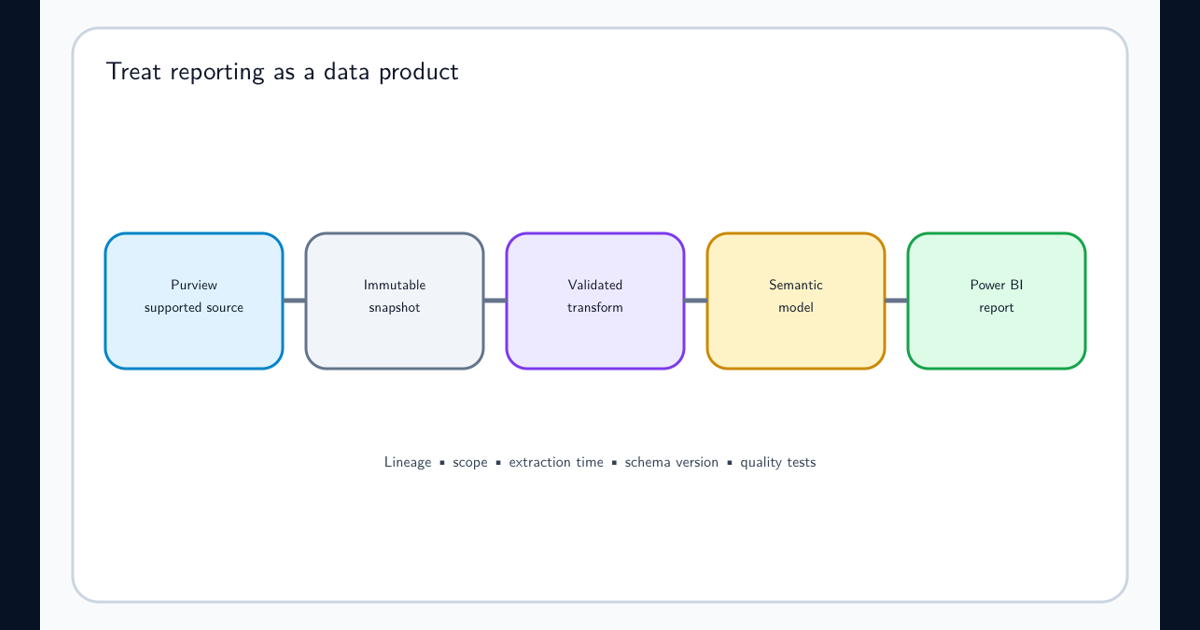
If these reads feed a reporting model, apply the lineage and reconciliation controls in the Purview reporting and Power BI export guide so pagination changes do not silently alter report totals.
Make Bulk Entity Writes Small and Idempotent
The bulk entity endpoint matches an existing entity by GUID or unique attributes such as qualifiedName. Use a stable, deterministic qualifiedName so retrying a batch updates the intended entity instead of creating a second logical asset.
There is no single batch count that is safe for every model. Ten simple entities can be cheaper than two entities with hundreds of relationships. Establish the operating batch by payload bytes, entity complexity, relationship count, and measured latency—not count alone.
A dependable write loop follows this sequence:
- Split the source records into a deliberately small batch.
- Validate unique keys and collection assignment before sending.
- Record a batch ID, entity keys, payload hash, attempt number, and start time.
- Send the batch with bounded concurrency.
- Persist the response and reconcile every entity result.
- Retry only unresolved work with exponential backoff and jitter.
- Reduce batch size or worker count when latency and 408 frequency rise.
Never treat a timed-out write as definitely failed. The client might lose the response after the service committed some work. Read back by GUID or unique attribute and reconcile before replaying. Stable identity and a result ledger turn that uncertainty into a safe recovery path.
Separate Request Latency From Data Map Throughput
Microsoft defines Data Map capacity in operations per second and metadata storage. Each capacity unit includes 25 operations per second and 10 GB of metadata storage, while the account operates within an elasticity window. Creating assets, adding relationships, editing metadata, searching, and API import or export all consume operations.
Capacity helps when many well-shaped requests compete for sustained throughput. It does not remove the relationship graph from an oversized term response, add pagination to a client, or guarantee a lower latency for one call.
| Observation | Interpretation | Response |
|---|---|---|
| One specific term or glossary always times out | Resource graph is too large | Exclude relationships and paginate child collections |
| All request types slow only during parallel imports | Throughput or concurrency pressure | Bound workers, schedule workloads, and examine capacity usage |
| Small read succeeds; large batch write times out | Write payload exceeds reliable request envelope | Reduce batch bytes and relationship count |
| Latency remains high at minimal load with small payloads | Service, network, authentication, or regional path requires investigation | Capture request history and escalate with reproducible evidence |
Request more throughput only after the integration uses bounded request shapes and measured concurrency. A quota increase can also change minimum capacity and cost, so treat it as a capacity decision rather than a timeout patch.
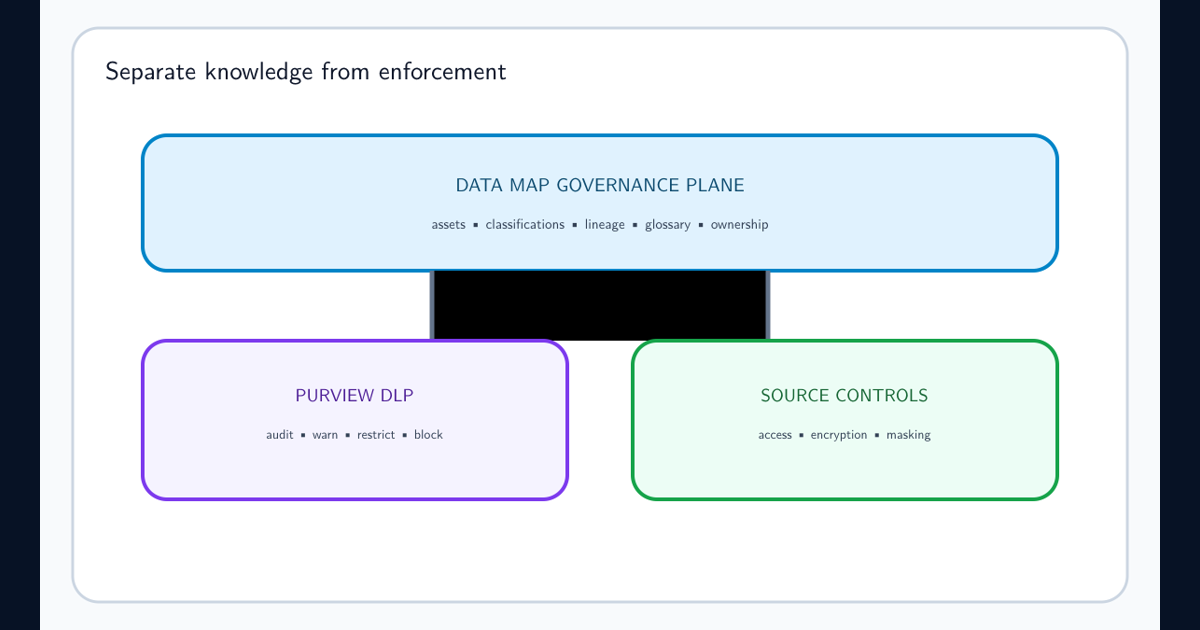
Keep governance metadata and enforcement claims separate. The Data Map and DLP capability boundaries guide explains why successfully writing a classification or relationship into Data Map does not itself create a Microsoft 365 DLP control.
Build a Recovery Path That Can Prove Completeness
Retry transient failures with exponential backoff and jitter, but cap attempts and total elapsed time. Treat 408 and 429 separately in metrics. Honor service retry guidance when supplied, and use a circuit breaker when a high percentage of calls fail so the integration does not amplify a service incident.
For reads, store page checkpoints and deduplicate results. For writes, store the batch ledger and reconcile ambiguous outcomes. Send irrecoverable records to a dead-letter queue with the sanitized request metadata needed for diagnosis; do not discard them or loop forever.
Consider three common situations. If only one popular glossary term fails, exclude its assignment relationship and page the assigned entities. If nightly ingestion succeeds with one worker but fails with twenty, lower concurrency and measure operations throughput before requesting more capacity. If a small deterministic batch fails repeatedly across time and clients, stop retrying and prepare a Microsoft support case.
Microsoft asks for request history when its documented patterns do not resolve the timeout. Include UTC timestamps, region, endpoint, method, API version, sanitized parameters, payload bytes, entity and relationship counts, correlation IDs, latency, response headers, retry schedule, Data Map capacity context, and a minimal reproducible request. Remove secrets, tokens, and sensitive metadata values.
Close the incident only when the integration can demonstrate completeness: every expected page was retrieved, every entity key has a reconciled result, no dead-letter item is unexplained, and the operating batch size and concurrency remain stable under representative load.
Frequently asked questions
Is HTTP 408 the same as Purview throttling?
No. HTTP 408 means the request timed out. Throttling is normally represented by HTTP 429. High request volume can contribute to both, but the response code and request telemetry determine the correct handling.
What is the correct Purview bulk entity batch size?
Microsoft does not publish one universal safe count for every entity graph. Payload size, attributes, relationships, service load, and network conditions matter. Begin with a deliberately small measured batch, increase under load testing, and reduce it automatically when latency or timeouts rise.
Why does retrieving one glossary term time out?
The default term response can include all relationships, including a large assignedEntities collection. Microsoft recommends excluding AtlasGlossarySemanticAssignment and retrieving assigned entities separately with pagination.
Will adding Data Map capacity units always remove HTTP 408 errors?
No. Capacity units increase operations throughput and metadata capacity; they do not make an oversized relationship graph or unpaginated response small. Correct request shape first, then assess sustained throughput.