How to Export Microsoft Purview Data Estate Insights to Power BI
Build a supportable Power BI reporting path from Microsoft Purview data without assuming the portal report is a reusable dataset, and troubleshoot Data Map API 408 timeouts and relationship latency.
There Is No Safe “Connect to This Portal Report” Shortcut
The high-intent question is usually phrased as “how to export Purview Data Estate Insights reports to Power BI Desktop.” The practical answer depends on whether you need a one-time visual, a repeatable management report, or a governed analytical model. Do not assume the interactive portal report is a supported Power BI semantic model just because it looks like a dashboard.
For bounded analysis, export the supported report data to CSV when the view and your permissions provide that action, retain the filters and extraction time, and load the file into Power BI Desktop. For recurring reporting, build an extraction layer from documented Purview Data Map APIs and other authoritative sources, store timestamped raw snapshots, validate them, and expose a stable reporting model to Power BI.
Recreating a chart is not enough. Every metric needs a definition, collection scope, role context, extraction time, source endpoint, and treatment of deleted or changed assets. Otherwise a polished Power BI report can disagree with Purview for reasons no reviewer can reconstruct.
Confirm the Report Scope and Export Permission First
Data Estate Insights is collection-aware. A person sees aggregations for collections where their roles grant access, so two administrators can export different populations from the same tenant. Record the collection boundary and identity used for every extraction.
Microsoft Data Estate Insights permissions documents that users other than Data Curators need an explicit Insights Reader assignment to open the app and that a Data Reader cannot select Export to CSV. Missing export controls can therefore be an authorization outcome rather than a portal bug.
Apply least privilege. A reporting identity should read only the required collections and should not receive Data Curator merely to make a button appear. If a curator performs a manual export, record that elevated scope and protect the resulting file because it can contain asset names, ownership, classifications, and operational gaps.
Choose Manual CSV or a Repeatable API Pipeline Deliberately
A CSV export is appropriate for an ad hoc review when the portal provides exactly the rows required. Store the original file unchanged, name it with UTC extraction time and scope, and transform a copy. In Power Query, declare column types, handle blanks explicitly, and test row counts and distinct asset identifiers before publishing.
A recurring executive or control report needs more discipline. Use documented APIs to retrieve the required entities, classifications, glossary assignments, collections, or relationships. Land each response in immutable storage with endpoint, parameters, API version, continuation token, request ID, and retrieval time. Transform into narrow fact and dimension tables rather than repeatedly expanding the entire graph inside Power BI refresh.
Build incremental logic around stable identifiers and observed modification data where the supported endpoint provides it. Periodically reconcile with a full or broader inventory because updates, deletions, permissions, and eventual consistency can create drift. Keep secrets in an approved credential store; do not embed a client secret in a PBIX file.
Reduce the Graph Before Retrying HTTP 408 Timeouts
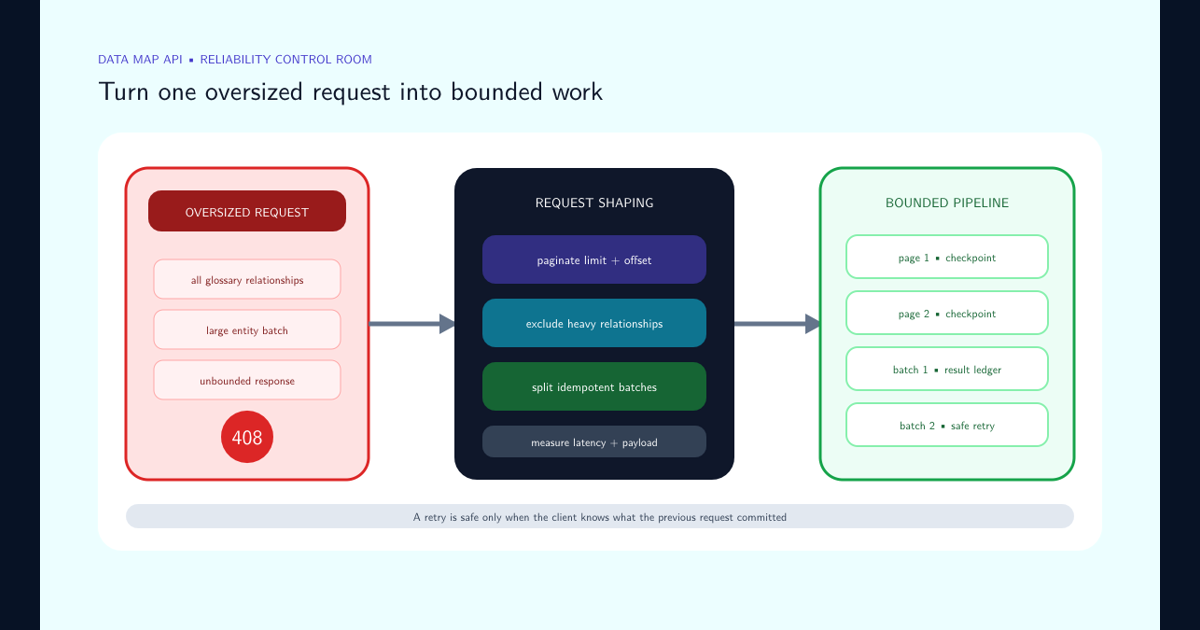
An HTTP 408 from the Data Map API often indicates that the requested graph or response is too large to complete in the available server window. Microsoft’s Data Map timeout example shows how listing glossaries while also returning every term and category can multiply into an enormous payload.
Follow Microsoft’s Data Map timeout guidance: request only the fields and child structures you need, use paging parameters, and avoid expanding all relationships in an inventory call. Fetch summary entity identifiers first, then retrieve expensive details in bounded batches.
For a production extraction pipeline, continue with the Data Map API HTTP 408 guide, which covers checkpointed glossary pagination, idempotent bulk writes, ambiguous timeout outcomes, capacity analysis, and support-ready request history.
Retries help only with transient failure. Use bounded exponential backoff with jitter, honor service retry guidance, cap concurrency, and log request IDs. Do not launch the same oversized query more aggressively. Track latency, response bytes, entities returned, relationship count, retry count, and throttling separately so capacity tuning is based on evidence.
Make Bulk Writes Idempotent and Conservatively Sized
The Microsoft bulk entity API reference matches existing entities by GUID or unique attributes such as qualified name. Use a stable qualified name and collection assignment so retries update the intended asset instead of creating duplicates.
Start with small batches and raise size only after measuring response time, throttling, error rate, and downstream visibility. Separate entity creation from relationship enrichment when highly connected payloads make failures hard to isolate. Persist the request’s business key, hash, response mapping, and retry state so partial success can be reconciled safely.
Do not treat a successful API response as instant report availability. Indexing and derived insights can be asynchronous. Validate by retrieving a sample entity, then observe when it becomes searchable and when aggregated reports reflect the change. Use those measured stages to set a realistic freshness service level for Power BI.
Model Stable Governance Questions Instead of Copying Portal Tiles
Define measures that survive interface changes: governed assets by collection and source, assets missing an owner, classifications by type, glossary coverage, scan freshness, failed scans, and stewardship backlog. Specify numerator, denominator, exclusions, snapshot time, and owner for each metric.
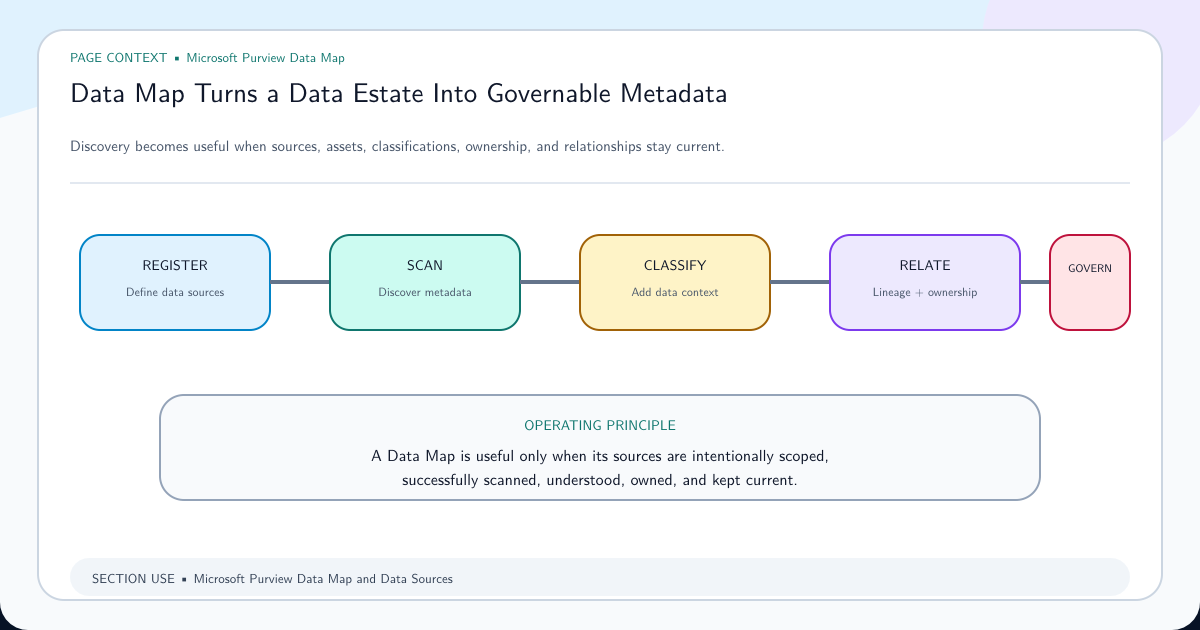
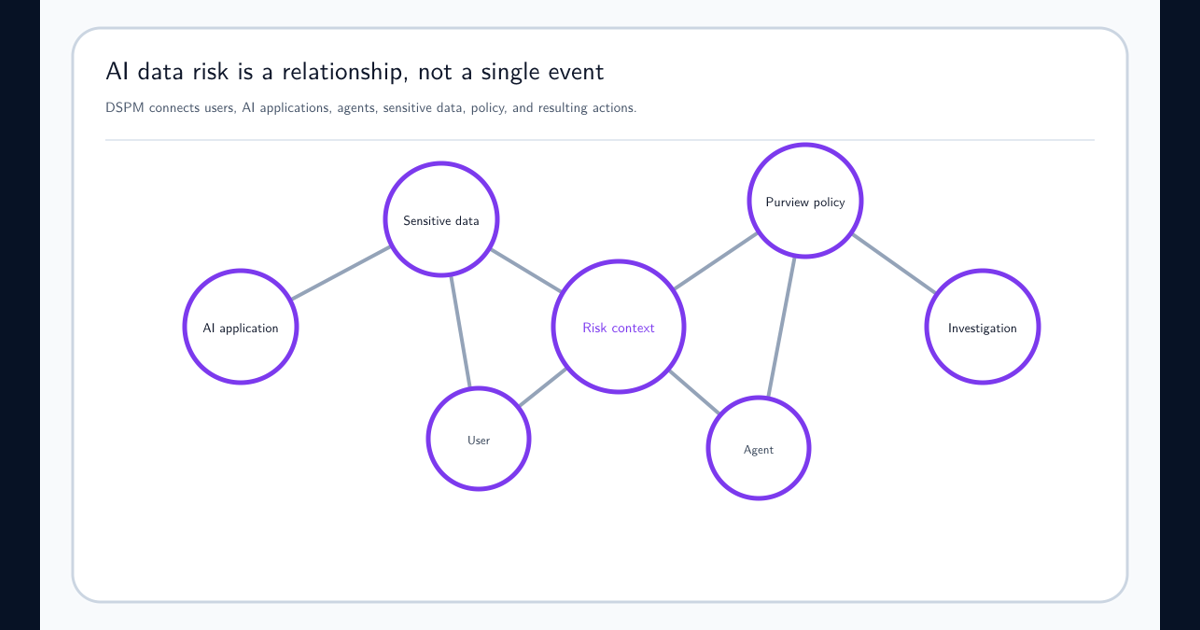
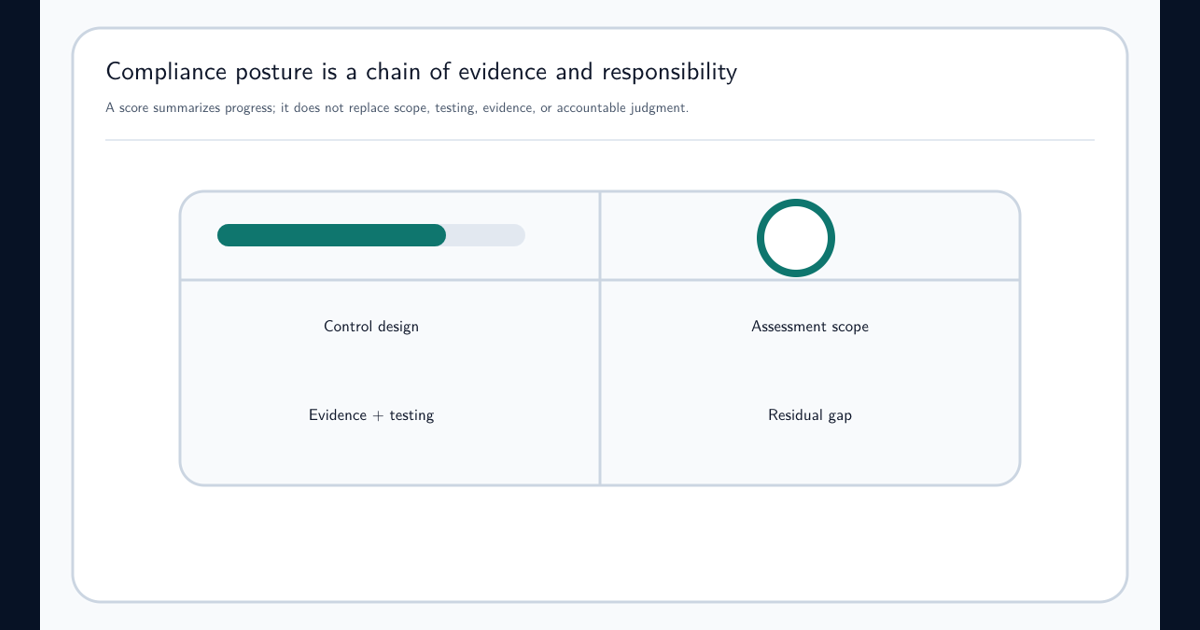
Keep operational data sources distinct. Purview Data Map describes discovered metadata and relationships. Data Security Posture Management describes security risk and recommendations. Compliance Manager evidence tracks control implementation. Combining them can be valuable, but shared names do not guarantee shared identifiers or timing.
Publish data-quality panels beside executive charts: last successful extraction, expected versus received pages, API failures, orphan relationships, duplicate qualified names, unknown collections, and source freshness. When the report differs from the portal, these controls help determine whether the cause is role scope, extraction timing, transformation logic, or a product-side delay.
Operate the Report With Lineage, Cost, and Change Control
Assign owners for the Purview source, extraction code, semantic model, report, access group, and metric definitions. Version API endpoints and schemas. Test for missing or renamed fields before refresh writes incomplete data into an apparently healthy dashboard.
Monitor request volume, response size, retries, throttling, extraction duration, stored snapshot size, Power BI refresh duration, and report usage. Cache stable reference data and avoid tenant-wide relationship expansion on every refresh. Review licensing and capacity before promising near-real-time reporting.
The final report should let a reviewer trace a number back to a raw response or approved CSV snapshot and the Purview collection scope that produced it. That lineage makes the Power BI model a defensible governance product rather than an attractive copy of a portal screen.
Frequently asked questions
Can Power BI Desktop connect directly to the Data Estate Insights report model?
Do not assume the portal visualization exposes a supported reusable semantic model. Use supported CSV exports for bounded manual reporting or build a governed extraction from documented Data Map APIs and other authoritative operational sources.
Why is Export to CSV unavailable in Data Estate Insights?
Permissions can be the cause. Microsoft documents that a Data Reader cannot select Export to CSV; the required Insights Reader and collection permissions determine visible scope, while a Data Curator has broader app capabilities.
How do you fix an HTTP 408 timeout from the Purview Data Map API?
Reduce response size and graph expansion, page requests, avoid asking for all child terms or relationships when they are not needed, batch writes conservatively, and retry transient failures with bounded exponential backoff and jitter.
Why are Purview entity queries slow when assets have many relationships?
Relationship-rich graph expansion increases payload and server work. Retrieve identifiers and summary attributes first, fetch relationships in smaller pages only when needed, cache stable reference data, and measure endpoint latency and response size separately.