Mailbox Rules, Forwarding, and Delegation Detection
Detect mailbox rules, forwarding, delegation, and permission changes by separating configuration, authority, message effect, and legitimate workflow context.
Mailbox persistence is often ordinary functionality
A rule can move invoices to a folder, forward messages to an assistant, or delete security notifications. Delegation can support executive support, shared mailboxes, and leave coverage. The same features can hide fraud or preserve access after a password reset.
Do not begin with “rules are suspicious.” Begin with the authority and state transition. Which identity requested the change? Was it the mailbox owner, an administrator, an application, or a delegated user? What condition, action, target, and scope were created? Was the change visible in the user interface or performed through an API?
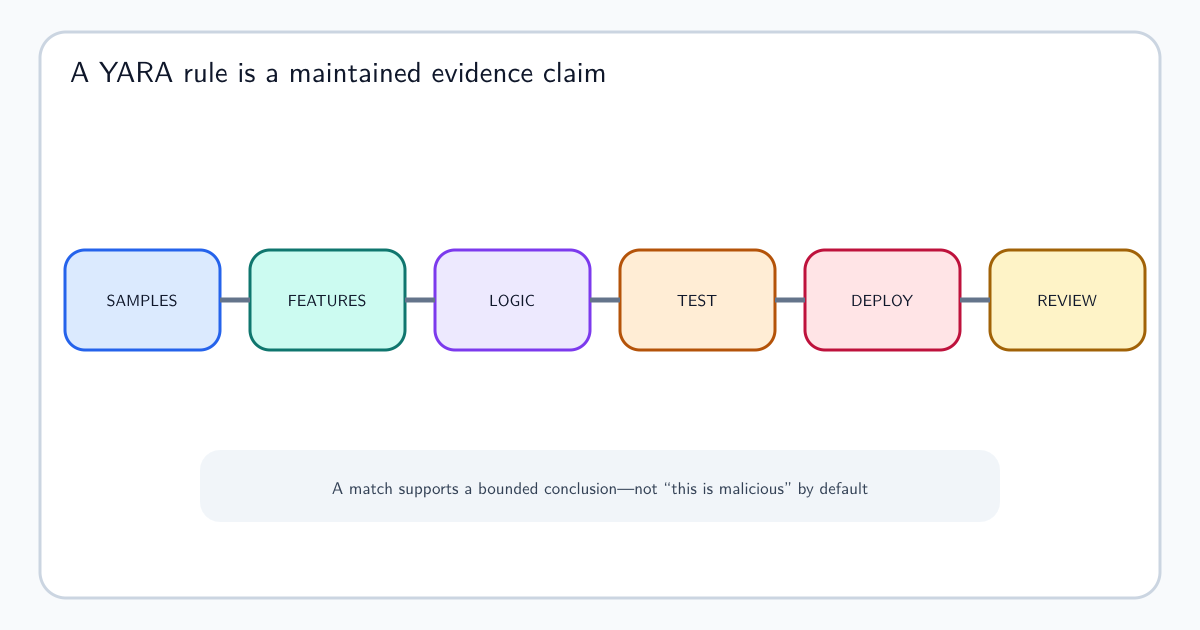
The detection claim should name the concerning effect: conceal messages matching a security topic, redirect sensitive conversations externally, grant unexpected read or send authority, or establish a new durable relationship.
Preserve the rule as structured evidence
Store the rule identifier, name, enabled state, condition tree, actions, destination, priority, stop-processing behavior, creation and modification time, actor, client or application, mailbox, and provider operation. A name such as “Invoices” tells little; the conditions and actions explain what the rule will do.
Normalize cautiously. A provider may distinguish redirect, forward, copy, delete, archive, mark as read, or move. Collapsing them into mailbox change removes the evidence needed to assess concealment and data movement.
Keep before-and-after state when possible. An attacker may modify an old benign rule rather than create a new one. A deletion event without the prior definition cannot show which behavior was removed or how long it existed.
Delegation creates a second identity path
Mailbox access can be granted through full access, folder permission, send-as, send-on-behalf, application scope, group membership, or administrative role. Each creates a different ability and may be recorded by a different control plane.
Relate the granting actor, subject receiving authority, target mailbox or folder, permission, approval, duration, and later exercise. A grant is exposure; use is activity. The grant may deserve review before any message is accessed, while later use can strengthen an incident assessment.
Nested groups and application permissions complicate the path. Preserve both direct and inherited authority and the time at which membership was effective. Today’s group state may not explain access that occurred yesterday.
Follow the effect into message trace and business context
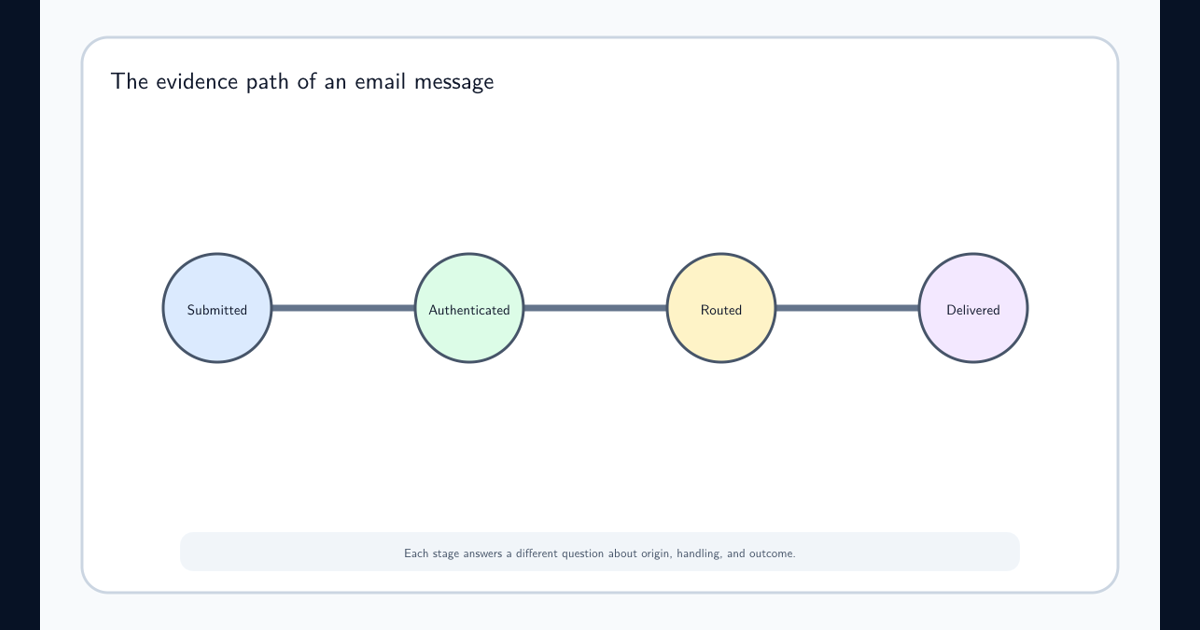
A rule change is stronger evidence when related messages are redirected, hidden, deleted, or marked as read. Use email message trace to show provider handling and mailbox audit to show rule execution where available.
Then ask which conversation was affected. A new external forwarding target followed by access to invoices or password resets has different consequence from an approved archive rule. Treat message content proportionately; subject category, sender domain, sensitivity label, and workflow relationship may be enough without collecting complete bodies.
Sequence still does not prove intent. Planned migration, legal hold, executive delegation, and automation can produce unusual changes. Approval and ownership context should be event-time evidence.
Respond to authority and message exposure separately
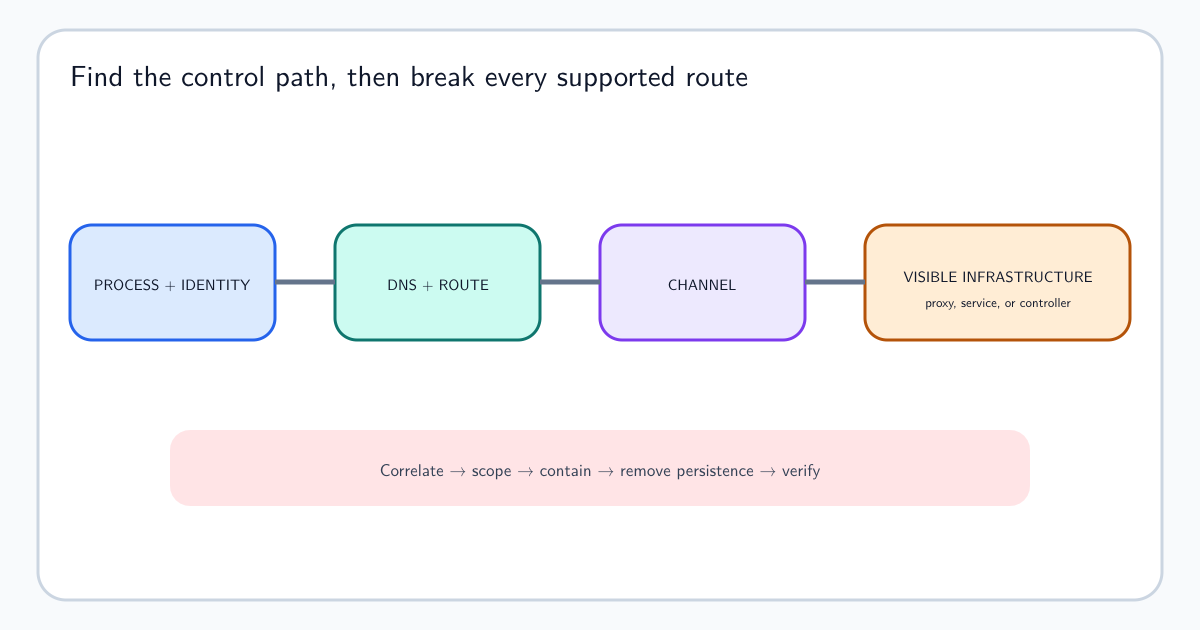
Disabling a rule does not revoke a delegate. Revoking a session does not remove an application grant. Restoring visible mail does not recall messages already forwarded externally. The response plan should address configuration, identity authority, active sessions, exposed content, and business consequences as separate tasks.
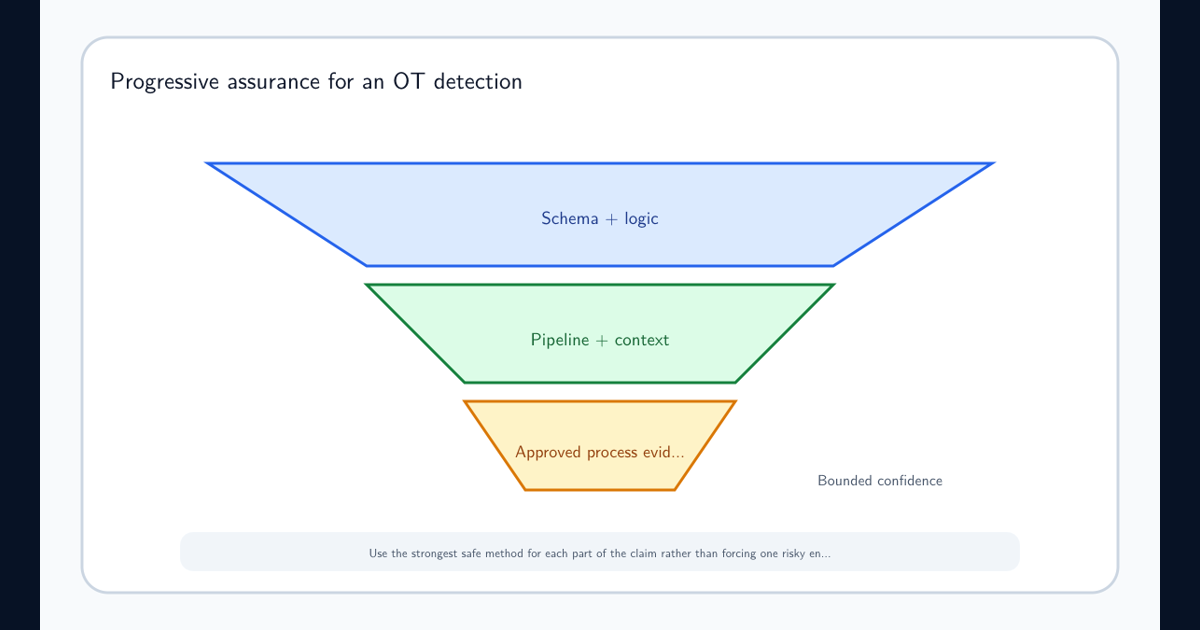
The alert should provide the exact state change, actor and session, target mailbox, rule or permission details, approval comparison, affected messages, external destination, source health, and known alternatives. Automatic removal may be appropriate for an explicitly prohibited external forwarding rule, but broader action needs confidence and rollback.
Close the case only after current state is verified. Attackers can create overlapping rules or re-establish access through another authority path. Detection should help the consumer understand what changed and which consequences remain, not merely report that a mailbox setting once matched a query.
Frequently asked questions
Why are inbox rules useful to attackers?
Rules can hide security messages, redirect conversations, copy sensitive mail, or maintain access after credentials change. The rule itself is dual-use, so detection depends on conditions, targets, authority, and resulting message flow.