Purview Custom Sensitive Information Type Regex False Positive Reduction
Reduce false positives in Microsoft Purview custom SIT regex by tightening token boundaries, adding corroborative evidence, limiting proximity, separating confidence patterns, and testing extracted text.
Start With the False-Positive Corpus, Not the Regex Editor
Collect sanitized examples of true matches, known false positives, near misses, and important false negatives. Label why each example belongs in its class. A six-digit pattern can match an employee number, date fragment, ticket, postal code, or random value; the business meaning must decide which is sensitive.
Measure the baseline before editing. Record precision, recall where known, match count by content type, confidence, workload, and extraction result. Otherwise every stricter pattern looks better because it produces fewer alerts, even when it quietly removes true positives.
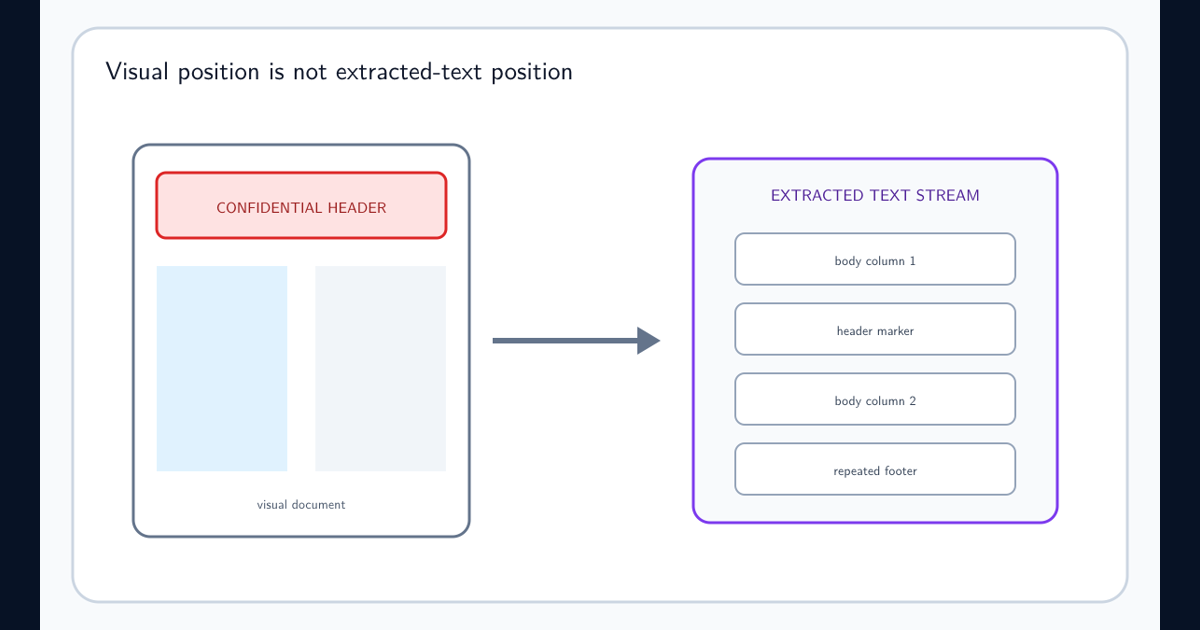
Separate parser failures from regex failures. Microsoft regex testing guidance explains that regex evaluates extracted text, not the visible file. Inspect extraction before changing a logically correct pattern.
Tighten Token Boundaries Without Using Document Anchors
Define allowed prefixes, suffixes, separators, length, character classes, and checksum or validator behavior. A pattern such as \d{6} can match inside a longer number; boundary-aware surrounding expressions reduce that noise.
Follow the one-capturing-group rule: use one primary capture and noncapturing groups for surrounding structure. Put variants inside the primary group instead of creating top-level captures. Do not use ^ or $ as document-position anchors because Purview does not guarantee scan boundaries.
Keep the regex readable and versioned. Microsoft SIT limits currently cap a regex at 1,024 characters and allow 20 distinct regexes per SIT. Multiple named patterns with distinct confidence are usually safer than one opaque expression.
Add Corroboration and Bound Its Proximity
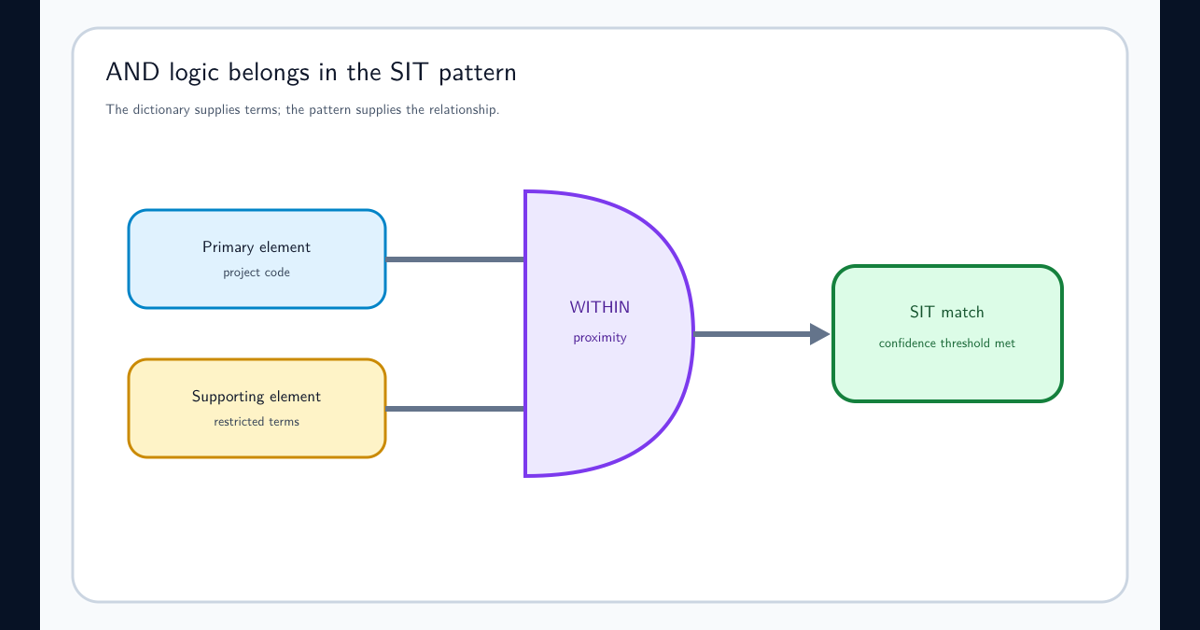
Supporting elements answer why a valid-looking token matters. Add distinctive field labels, document markers, related identifiers, or approved functions near the primary match. Avoid generic terms that appear throughout normal content.
Microsoft false-positive guidance recommends 300 characters as a starting proximity for new custom SITs and warns against unlimited proximity. Treat that as a baseline, not a universal optimum. Tables, PDFs, and extracted columns can require different tuning.
Create separate low-, medium-, and high-confidence patterns based on evidence strength. A stronger regex plus two corroborators can justify higher confidence; a broad token without context should not inherit the same policy action.
Exclude Known Benign Families Explicitly
Test data, documentation examples, template placeholders, product SKUs, public identifiers, and migration artifacts often dominate false positives. Model them as excluded prefixes, suffixes, values, or contextual patterns when the exclusion is stable and explainable.
Never exclude an entire location merely because it is noisy unless the business confirms that sensitive data cannot occur there. Broad exceptions transfer risk from alert volume to blind spots.
Maintain an exclusion register with owner, rationale, examples, approval, date, and expiry. Retest excluded families after data formats or systems change.
Test Extracted Text Across Workloads and File Types
Use Test-TextExtraction for controlled files where supported, then run classification against the extracted stream. Test DOCX, XLSX, PDF, email, archives, OCR, and plain text according to the workloads the policy uses.
Include boundary variants, punctuation, Unicode, line breaks, columns, headers, long documents, repeated values, and unsupported encryption. A regex that passes a web tester can still fail because Purview sees different text or because the expression violates its capture rules.
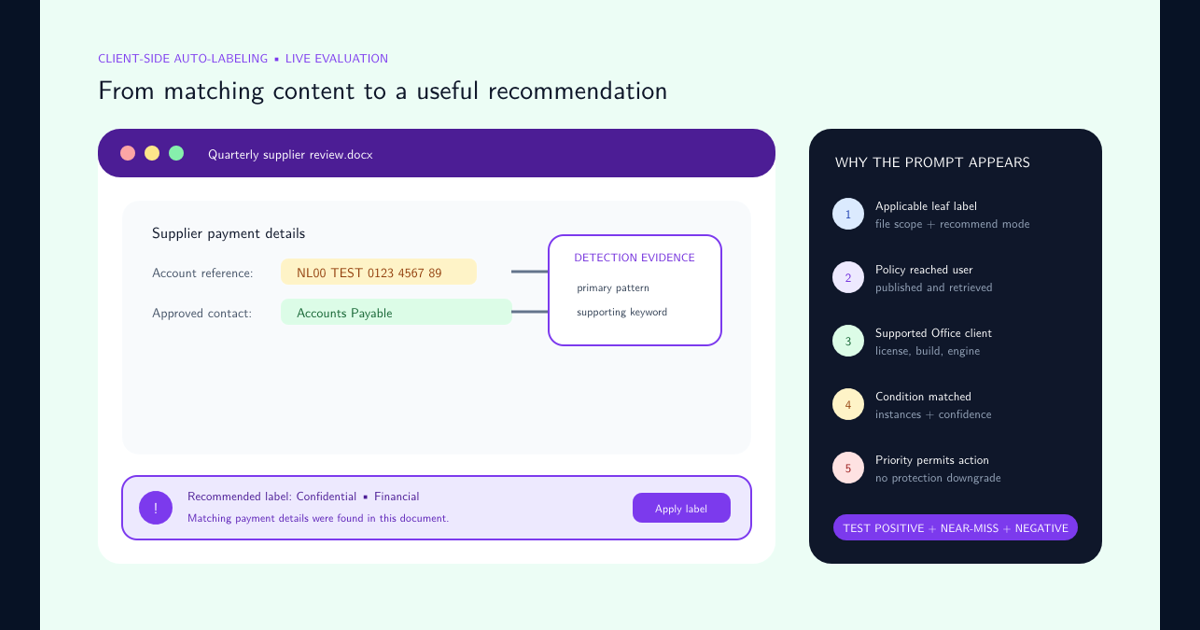
Put the consuming policy in simulation and inspect evidence, occurrence count, user context, and near misses before blocking. Preserve a regression corpus for every production change.
Change Detection Technology When Regex Is the Wrong Model
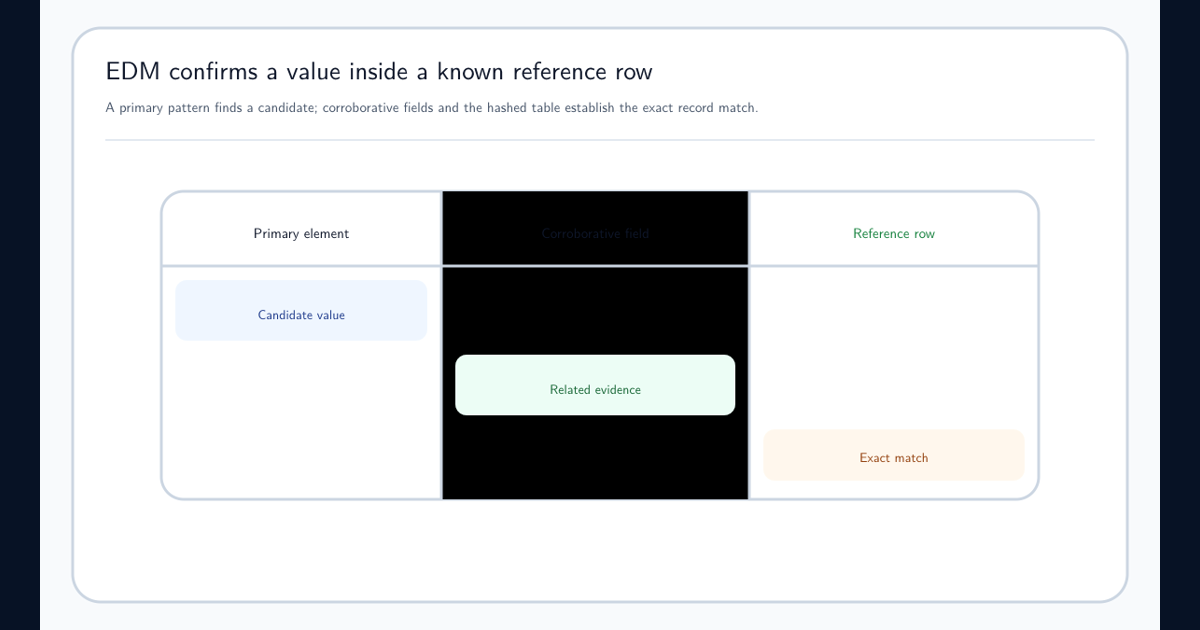
Use Exact Data Match when a value must belong to a known reference population. Use document fingerprinting for stable forms and templates. Use trainable classifiers when meaning is semantic and examples teach it better than token syntax.
A regex is excellent for structured candidates. It is poor at proving record membership, layout position, authorship, or document purpose. The best false-positive reduction can be replacing the model rather than adding another branch.
Frequently asked questions
Which regex engine does a Purview custom SIT use?
Microsoft documents Boost.RegEx 5.1.3 and adds SIT-specific requirements, including exactly one primary capturing group and noncapturing groups for other structure.
What is the maximum Purview custom SIT regex length?
Microsoft currently documents a maximum regex length of 1,024 characters and a maximum of 20 distinct regexes per sensitive information type.
Should supporting evidence be allowed anywhere in the document?
Usually no. Microsoft recommends a 300-character proximity for new custom SITs as a starting point and warns that unlimited proximity increases false positives. Tune it against representative extracted content.