Microsoft Purview SIT: Detect Keywords Only in a Document Header
Learn why Purview custom sensitive information types cannot reliably target a visual document header, and how to approximate header-aware detection with markers, proximity, metadata, and format-specific testing.
Purview Does Not Offer a Universal Header-Only Condition
A Microsoft Purview custom sensitive information type can detect text that appears in a document header, but it cannot reliably prove that the text occupied the visual header region. The classifier evaluates text extracted from the supported file. Extraction order and boundaries depend on the format, parser, workload, and document structure.
This is why ^keyword is not a safe “top of document” solution. Microsoft custom SIT requirements explicitly say not to use ^ or $: the scanner does not guarantee what those anchors correspond to. A regex tester working on a plain-text copy therefore does not establish production behavior.
Treat header-only detection as an approximation unless a separate system supplies trustworthy structural metadata. Write that limitation into the control design before using the result for automatic labeling or blocking.
Match a Distinctive Header Marker and Nearby Value
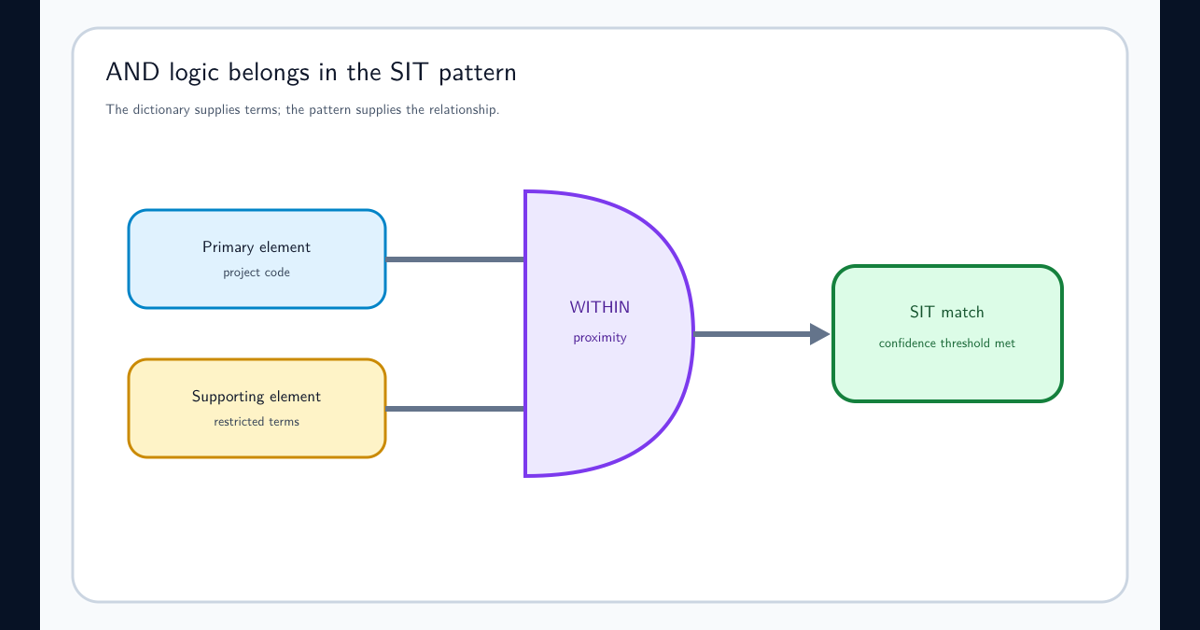
The most practical SIT design uses a distinctive header phrase as supporting evidence and the sensitive token as the primary element. For example, make a controlled document identifier the primary regex and require Document classification: or another governed marker within a narrow character proximity.
This detects semantic context rather than layout. It works best when templates use a phrase that rarely occurs in normal body text. Avoid generic evidence such as confidential, date, or owner; common terms can occur anywhere and produce false positives.
Use multiple confidence patterns if templates differ. A unique marker plus a validated ID might be high confidence. A generic marker plus a broad keyword should be low confidence or excluded from enforcement. The custom SIT AND logic guide explains how primary and supporting elements create this relationship.
Test Extraction Separately for DOCX, PDF, Email, and Scans
A Word header, a PDF first-page banner, an email header, and text at the top of an image are different structures. Build a test corpus for every format and workload the policy covers. Include multi-column layouts, repeated page headers, section breaks, tables, text boxes, password protection, scanned images, and files produced by different applications.
For each sample, record the expected match, observed match, confidence, occurrence count, and policy location. A marker that is adjacent in Word can be separated in PDF conversion. Optical character recognition can change punctuation or confuse letters and digits. A repeated header can multiply occurrence counts.
Do not generalize from a single uploaded DOCX. Purview DLP, Office auto-labeling, SharePoint indexing, Endpoint DLP, and an on-premises scanner can process content on different schedules and with different supported features.
Use Metadata or Preprocessing When Position Is a Hard Requirement
If the policy truly depends on the first page or a named header region, a content-only SIT is the wrong enforcement primitive. Have the document-generation process write a stable metadata property, apply a sensitivity label, or emit a structured identifier that downstream controls can evaluate.
Another option is a governed preprocessing service that parses the format with layout awareness and adds an approved classification signal. That service needs versioned parsers, failure handling, test coverage, and auditability. It should not silently convert “could not parse” into “not sensitive.”
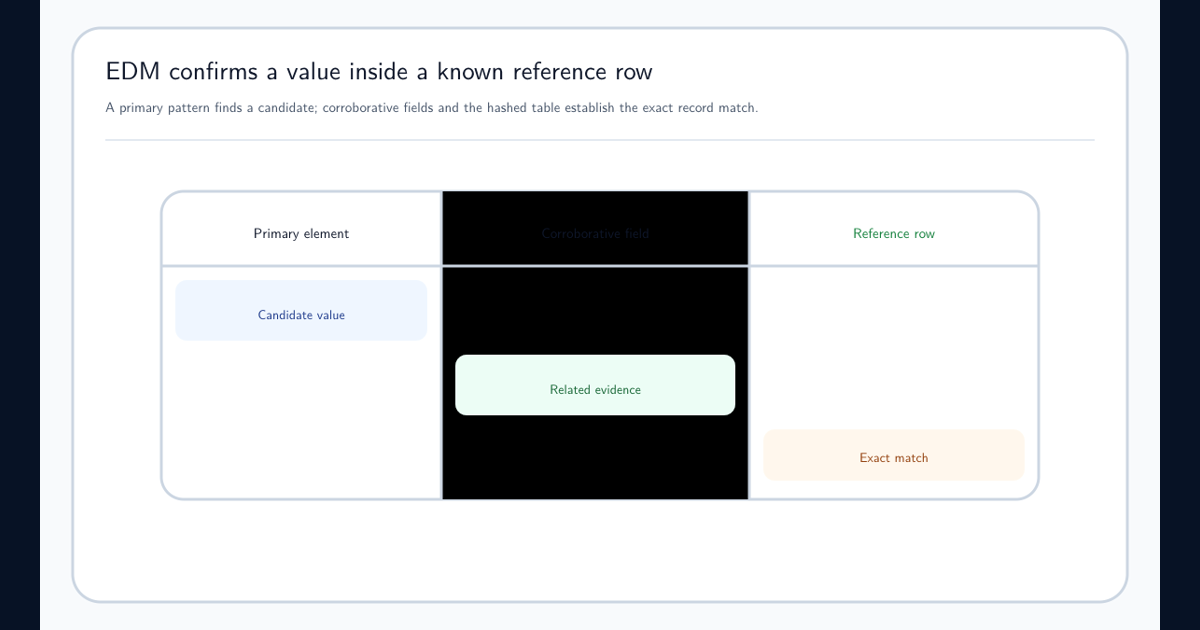
Exact Data Match helps when a value must belong to a known reference row, but it does not add page-position awareness. Choose the signal that represents the business fact rather than forcing regex to infer document geometry.
Measure Header False Positives and Header False Negatives Separately
Positive tests should include the marker and value in the intended header. Near-positive tests should place the same pair in the body, footer, appendix, quoted email, and template instructions. Negative tests should include the marker without the value and the value without the marker.
A contextual SIT can still match a body paragraph that repeats the header phrase. Report that as a known false-positive path, not as proof of header recognition. Conversely, a visually correct header that extracts far from the value is a false negative for the chosen proximity.
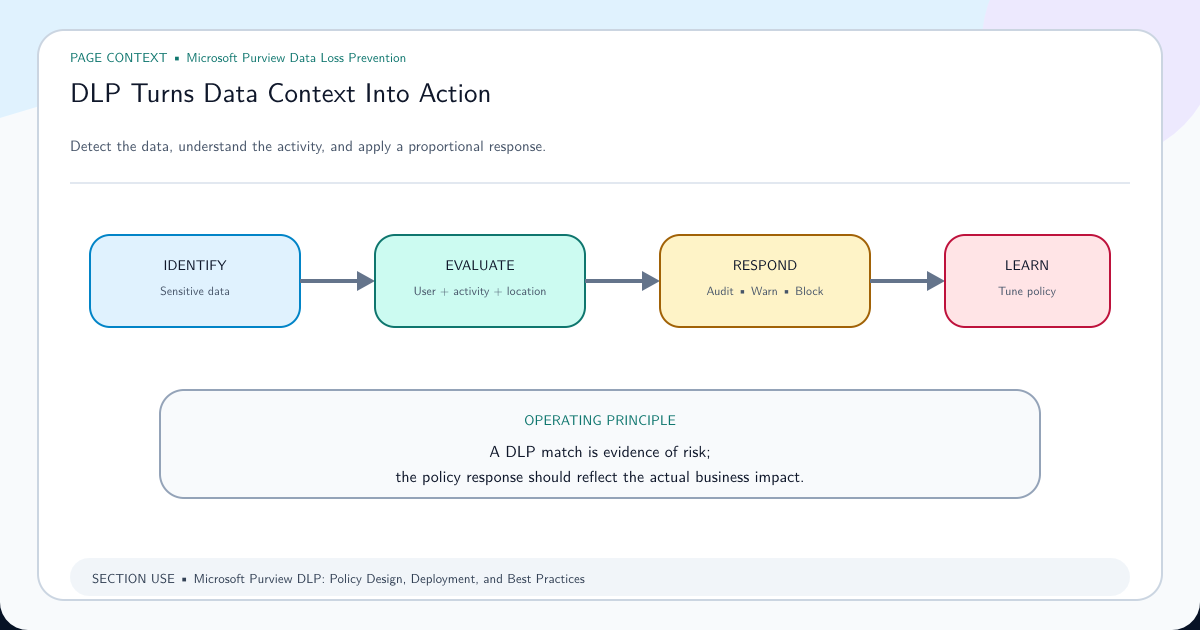
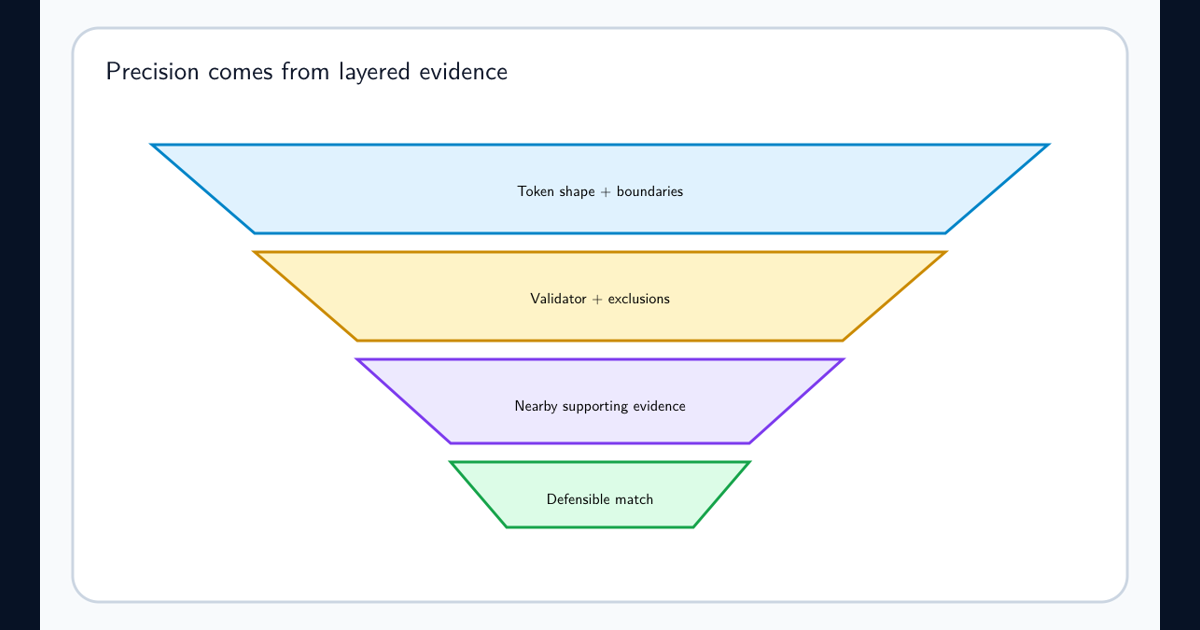
Use Microsoft false-positive reduction guidance to tune supporting evidence, bounded proximity, confidence, and exclusions. Connect the SIT to Purview DLP in simulation before applying restrictive actions.
Document the Detection Claim Precisely
Describe the rule as “the identifier appeared within the configured character distance of the template marker in extracted text.” Do not say “Purview confirmed the identifier was in the document header” unless another component actually verified layout.
That wording tells investigators what the evidence supports and helps future maintainers understand why a converted PDF or new template may behave differently. Retain representative samples and rerun them after parser, Office, policy, template, or workload changes.
Header-aware classification can be useful, but only when the architecture acknowledges the gap between human-visible layout and machine-extracted content.
Frequently asked questions
Can ^ be used to match only the beginning of a document in a Purview SIT?
No reliable document-position guarantee exists. Microsoft says custom SIT regex should not use positional anchors because the scanned content boundaries do not necessarily correspond to the beginning or end of the document.
Can Purview tell that text is inside the Word header region?
A custom SIT evaluates extracted text rather than a universal Word-layout object model. It may detect distinctive header text, but that is a contextual approximation and must be tested across every required format and workload.
Can a SIT restrict a match to the first page of a PDF?
Not as a general page-number condition. PDF extraction order may differ from visual layout. Use a format-specific preprocessing or metadata signal when page position is a hard requirement.