Microsoft Purview Insider Risk Management: Signals, Context, Cases, and Privacy
Understand how Insider Risk Management correlates user-related signals into reviewable alerts and cases while preserving the difference between risky activity, malicious intent, and an employment conclusion.
A Risk Signal Is Not a Verdict About a Person
An employee downloads many files before leaving the organization. That activity can be relevant to intellectual-property risk, but the count alone does not reveal intent. The employee might be preparing an approved handover, moving files for a manager, working offline, or taking information they are not entitled to keep. Insider-risk analysis begins in that ambiguity.
Microsoft Purview Insider Risk Management correlates selected activities and contextual signals to identify potential malicious or inadvertent risks such as data leakage, intellectual-property theft, and security-policy violations. The Insider Risk Management documentation describes policies, alerts, and cases as a workflow for identifying and investigating activity—not as an automated employment judgment.
Preserve that boundary in every policy and report. The service can show that configured evidence met a risk condition. Investigators assess what the activity means. Authorized organizational processes decide whether remediation, legal review, human-resources action, or no action is appropriate.
Triggers Decide When a User Enters the Risk Window
A policy template combines triggering events, risk indicators, included users, priority content, and a detection period. A trigger does not necessarily represent wrongdoing. It starts or focuses the period in which selected activity contributes to the policy’s risk analysis.
For a departing-user scenario, a human-resources event might begin the risk window. For a data-leak scenario, a DLP event or another qualifying activity can act as the trigger. The signals available depend on prerequisites and connected data. Microsoft 365 auditing must be available, and some templates require connectors or other configuration.
Choose triggers that correspond to a documented risk scenario. Broad triggers applied to an undefined population create surveillance without a clear decision purpose. Narrow triggers can miss slow or preparatory behavior. Record why the trigger is relevant, what period it opens, and which ordinary activities might occur during that same period.
Indicators Describe Activity the Organization Chose to Evaluate
Indicators represent activities that may contribute to risk, such as downloading from SharePoint, copying to removable media, printing, sharing externally, visiting certain cloud services, or interacting with sensitive content. Many indicators require explicit opt-in. If an indicator is disabled, the absence of related alerts says nothing about whether that activity occurred.
Selection should follow the threat model and privacy assessment. Include the minimum activity categories needed to distinguish the scenario. Prioritize content, domains, or locations where consequence is higher, and define exclusions carefully. An exclusion can reduce noise, but it can also create a blind spot if a trusted application or group is later abused.
Signals from Data Loss Prevention can add content and policy context. Sensitivity labels can identify information whose movement deserves more weight. Neither makes the user’s purpose directly observable.
Risk Scoring Helps Prioritize Review, Not Prove Cause
Insider Risk Management combines indicators and context into risk insights and alerts. This prioritization matters because investigators cannot examine every activity equally. It also creates a danger: a numerical or categorical score can appear more certain than the underlying evidence.
Review the contributors. Ask which trigger started the window, which activities raised risk, how often they occurred, which content or destination was involved, and whether evidence from a healthy source supports each event. Compare the activity with the user’s role and ordinary workflow. Look for contradictory evidence as deliberately as supporting evidence.
An alert is a request for review. Escalate to a case when the evidence and consequence justify sustained investigation. Do not use alert volume as a proxy for the number of malicious insiders; volume also changes with policy scope, indicator selection, thresholds, audit health, and business activity.
Privacy Controls Are Part of Detection Quality
Microsoft designs Insider Risk Management with pseudonymization enabled by default, role-based access, and audit logging. Microsoft privacy guidance also emphasizes that indicators are explicitly enabled by administrators and that organizations remain responsible for lawful use.
Use role separation deliberately. Policy administrators do not automatically need full case identity. Analysts who triage pseudonymized alerts may not need employment context. Investigators who reveal an identity should do so for a documented reason. Review actions themselves should be auditable.
Privacy is not separate from analytical accuracy. Excess collection encourages investigators to form narratives from irrelevant personal activity. Poorly controlled identity access can introduce bias or inappropriate curiosity. A proportionate program defines purpose, scope, reviewer roles, escalation rules, retention, oversight, and a way to challenge misuse.
Use the Case to Preserve Reasoning and Alternative Explanations
A case organizes alerts, user-related activity, notes, and decisions around one user. The investigator’s task is not to make the activity fit the policy title. It is to determine which explanation is best supported and what remains unknown.
Build a timeline that separates event time from collection time. Record the source and meaning of each signal. Check whether the supposedly sensitive content was correctly classified, whether the destination was approved, whether the user’s duties changed, and whether a manager or service owner can confirm the workflow. Treat missing evidence as missing, not as benign.
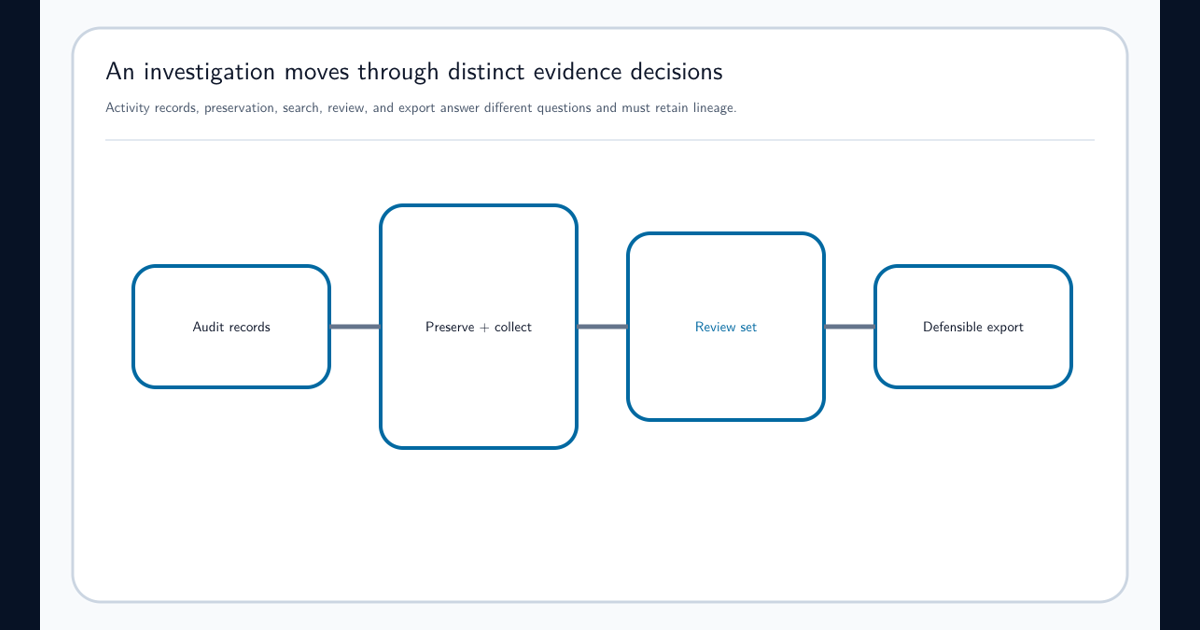
Case actions can include notifying the user, resolving the case as benign, sharing through an approved workflow, or escalating to eDiscovery. The Audit and eDiscovery resource explains why preservation and legal scope should be established before a broader content investigation begins.
Tune the Program Without Tuning Away the Risk
Begin with analytics and a representative pilot before broad policy deployment. Review recurring alert causes, unhelpful indicators, missing context, source delays, case outcomes, privacy concerns, and populations that are over- or underrepresented. Tuning should improve the connection between the risk scenario and evidence, not simply reduce queue size.
Measure time to review, cases with sufficient context, repeated false explanations, unresolved high-impact cases, source health, reviewer consistency, identity-reveal frequency, and outcome by policy population. Avoid treating resolved-as-benign as a simple false-positive label; it may reflect authorized activity that the policy should still monitor.
Revisit the governance charter when data sources, workforce arrangements, labor requirements, or risk priorities change. The strongest program can explain why it observes a particular activity, who may see it, how a case is judged, and where the evidence does not support a conclusion.
Frequently asked questions
How is Insider Risk Management different from DLP?
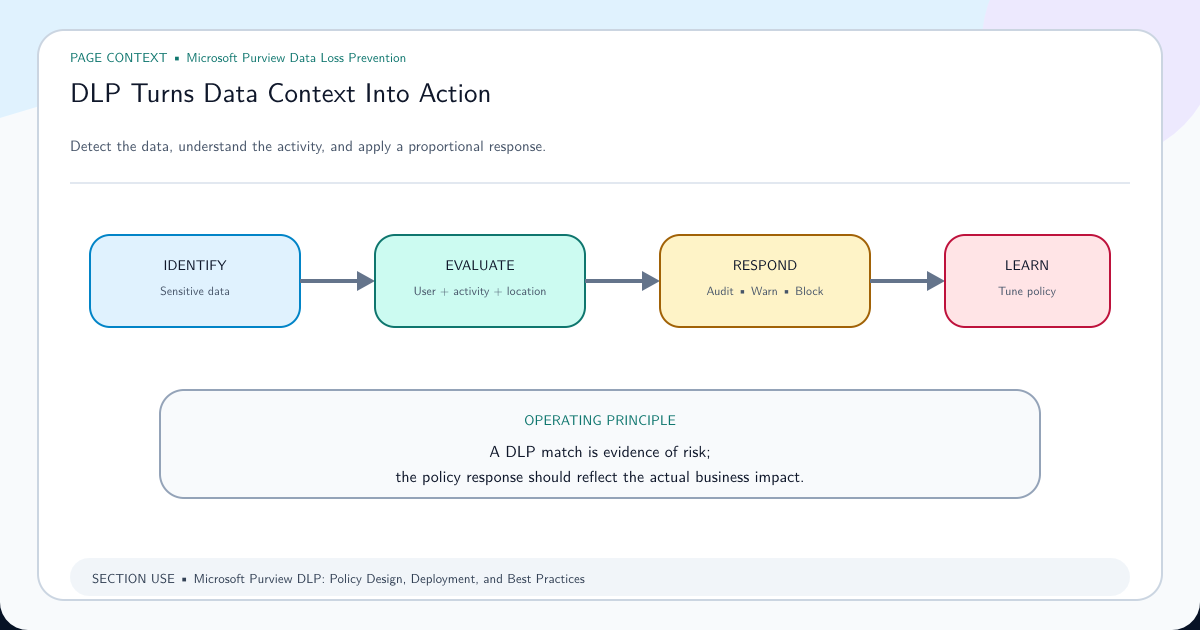
DLP evaluates sensitive content and activities against data-handling policy. Insider Risk Management correlates activities and contextual signals around users over time. The capabilities can complement each other, but neither should be treated as proof of malicious intent.
Are users identified to every Insider Risk Management reviewer?
Users are pseudonymized by default. Access to identities and detailed investigation functions depends on role assignments and organizational configuration. Organizations remain responsible for lawful, proportionate use and for auditing privileged reviewer activity.
Does an insider risk alert prove employee misconduct?
No. An alert indicates that configured triggers and indicators produced a risk signal. It requires investigation, alternative explanations, organizational context, and an authorized decision process.
Are all insider risk indicators enabled automatically?
No. Many indicators are disabled by default and require explicit administrative opt-in. Policy prerequisites, audit availability, scope, and selected indicators determine what the service can detect.