Microsoft Purview eDiscovery Hold Not Showing Data Size: What to Verify
Understand why a Purview eDiscovery hold may not show data-size numbers, how to verify preservation by location status, and how to troubleshoot queries and SharePoint deletion blocks safely.
A Hold Is a Preservation Control, Not a Live Storage Meter
If a Microsoft Purview eDiscovery hold is not showing data-size numbers, do not infer that preservation failed. A hold applies a policy to selected Exchange mailboxes or SharePoint locations, optionally with a query. The evidence that matters is whether the policy and its rule are enabled and whether every intended location reports a successful applied state without an error.
A content-size estimate answers a different question: how much content a particular search found in a defined scope at a point in time. It may be useful for planning collection and review, but it is not the control signal for the hold. Size can also change as sources change, indexes update, or queries are refined.
Write down the question before choosing the screen. For preservation assurance, inspect hold details and location errors. For responsive volume, run a search with the intended sources and query, then generate statistics. For total storage, use the workload’s administrative reporting rather than eDiscovery search estimates.
Verify Every Location, Not Just the Policy Banner
Open the eDiscovery case, select the hold, and inspect the status of each Exchange or SharePoint location. “Applied successfully” means the enabled policy and rule were applied to that location. “Applying” is asynchronous. “Applied partially” requires reading the location error because some locations may be protected while others are not. A policy with no active rule can appear present without being enforced.
The tenant-wide Microsoft hold report guidance is valuable for inventory and CSV export, but Microsoft states that the preview report synchronizes policy and location status no more than once every seven days. It explicitly directs administrators to the case hold policy details for current status. A stale report is therefore not evidence of a new failure or new success.
Retain the hold ID, rule ID, case ID, location, status, error, last modification time, and observation time. Preservation assurance is location-specific: nine successful mailboxes do not compensate for one failed custodian mailbox.
Use Search Statistics for Volume, With the Query Attached
Create a case search against the exact data sources and date range whose volume you need to estimate. Record the query and use Generate statistics before collection. Never report an item count or size without its source scope, query, timestamp, and known processing exceptions.
Be especially careful with an empty keyword condition. Current Microsoft eDiscovery query guidance says an empty keyword condition returns all content in every selected source across the selected date range; it does not return nothing. On broad cases this can produce millions of results and long processing times.
Search estimates and review-set populations can differ. Collection processing, deduplication, families, partially indexed items, encrypted content, and export settings affect later numbers. Use each metric for its intended stage and preserve the processing report so reviewers can reconcile transitions.
Put Boolean Operators in KeyQL, Not the Basic Keyword Box
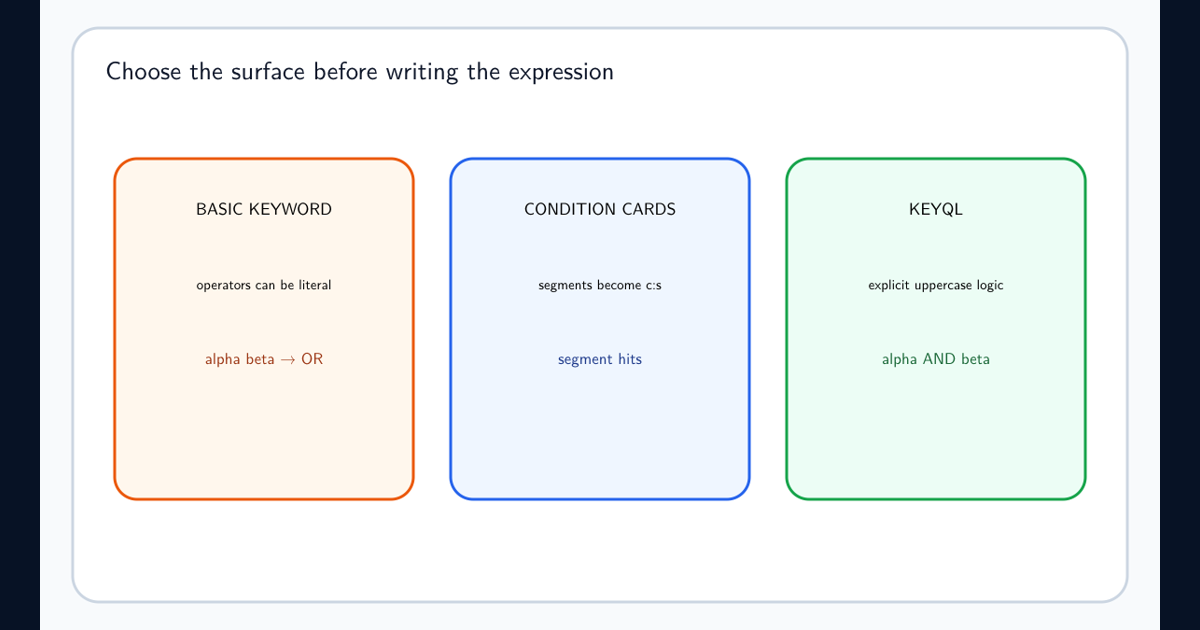
In the current condition builder, the simple Keyword condition and the KeyQL condition do not interpret input the same way. Microsoft states that AND, OR, NOT, and NEAR must be uppercase in KeyQL. Those operators are treated as literal keywords in the basic Keyword condition. A space between keywords or property expressions behaves like OR. See the eDiscovery condition-builder rules for segmentation, phrases, properties, and validation.
For example, a reviewer intending contract AND termination can accidentally create a broad search if the terms are placed in separate basic keyword input or if the generated statement is not inspected. Use the KeyQL field for explicit Boolean relationships. Parenthesize compound logic, quote exact phrases deliberately, and remember that quoting stops wildcard and operator processing inside the quotation marks.
Generate statistics after every material query change. Keep small known-positive and known-negative messages or documents in an authorized test source. A syntactically accepted query can still express the wrong legal or investigative scope.
Treat a SharePoint Deletion Block as a Preservation Investigation
A SharePoint site can be blocked by a retention policy, retention label behavior, an eDiscovery hold, an invalid policy, or a release grace period. Do not use force-deletion tooling until the legal and records owners confirm the site is eligible for deletion and you identify every applicable control.
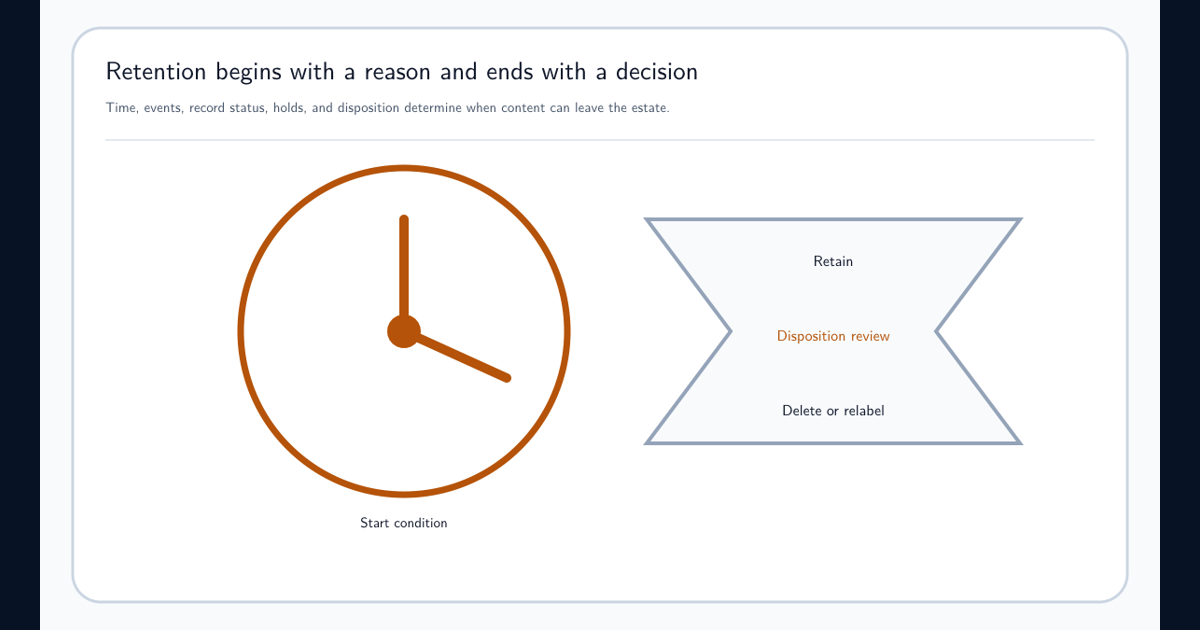
If a retention policy applies to all sites, exclude the site; if it targets selected sites, remove the site from that selection. Microsoft states that policy changes can take up to 24 hours. Removing a selected site normally leaves a 30-day retention grace period, while excluding a site from an all-sites policy bypasses that retention-policy grace behavior. An eDiscovery hold can have its own 30-day grace period.
When deletion remains blocked, use the Microsoft deletion-block diagnostic guidance to check invalid retention or grace eDiscovery holds where supported. Confirm current case hold status and release at the location. Orphan-hold cleanup is an exceptional recovery action, not a convenient way around preservation.
Keep the Evidence Trail Stronger Than the Portal View
Preserve screenshots or exports of location status, errors, query text, statistics, processing reports, and policy changes with UTC timestamps. Document who authorized the hold, every scope change, why a location was released, and the result of the final validation.
The portal is an administration surface, not the sole evidence artifact. Views change, reports synchronize asynchronously, and features move between experiences. A defensible record connects the case authorization to the exact sources, hold rule, successful location states, searches, collections, and review decisions.
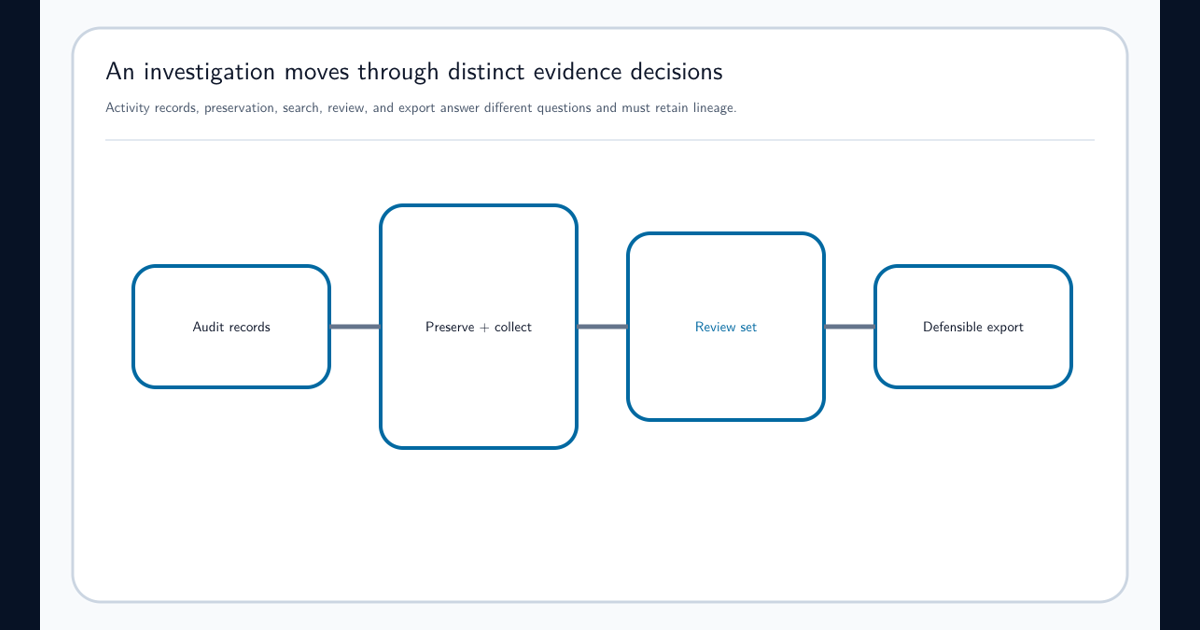
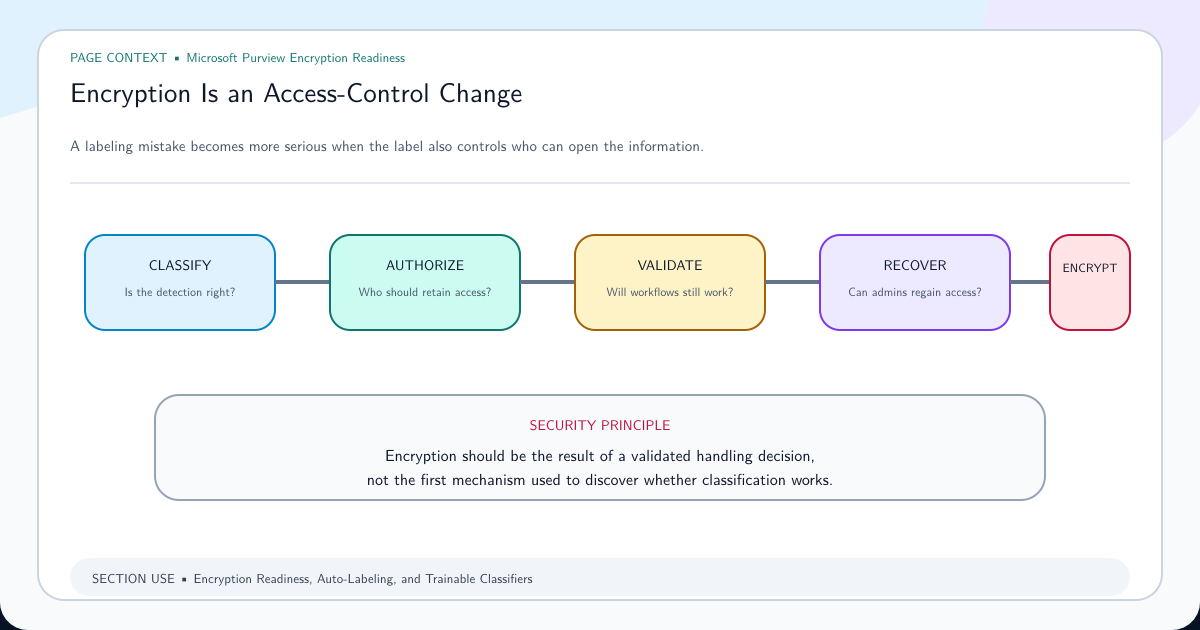
The broader Purview Audit and eDiscovery guide explains the separation between preservation, collection, and review. Data Lifecycle Management provides the related retention model. Keep encryption readiness in scope because protected items can create collection and review exceptions even when preservation is working correctly.
Frequently asked questions
Does a missing data-size number mean an eDiscovery hold failed?
No. A missing aggregate size is not proof of hold failure. Verify the hold policy and each location's status and errors in the case. Use search statistics for a defined query when you need an estimate of responsive content.
Is the tenant-wide eDiscovery hold report real time?
No. Microsoft states that the preview hold report synchronizes no more than once every seven days. Use the specific hold policy details in the case for current location status.
How does OR work in the new Purview eDiscovery query builder?
In a KeyQL field, Boolean operators must be uppercase. In the basic Keyword condition, AND, OR, NOT, and NEAR are treated as literal keywords; a space between terms behaves like OR. Always inspect the generated query and validate it with statistics.
Why is SharePoint still blocked after removing a retention policy?
The policy might still be distributing, might be invalid, or an eDiscovery hold may be in a 30-day grace period. Microsoft provides an admin-center diagnostic for invalid retention or grace eDiscovery holds. Confirm legal authorization before removing any preservation control.