Windows Process-Tree Analysis
Interpret Windows process creation, command lines, lineage, files, and effects without treating a suspicious tree as proof.
Start with the creation event
Begin with the underlying process-creation event, host, user, executable path, command line, process identifiers, parent identifiers, signer, hashes, and timestamp. A graphical tree can omit events or connect reused identifiers incorrectly.
Preserve the source product, event ID, collection time, process GUID or equivalent stable identifier, and system boot context. Confirm whether the sensor reports the creator process or merely a parent field supplied by the operating system. Missing command lines, truncated arguments, and normalized paths should be treated as limitations. Reconstruct the smallest reliable branch before expanding to siblings, ancestors, or descendants.
Lineage is structure not causation
A parent-child relationship shows observed creation, not why it occurred. Services, schedulers, management agents, scripts, and user applications produce unusual-looking trees legitimately. Test the claimed relationship against time and endpoint context.
An Office application launching a shell may deserve attention, but legitimate add-ins and automation can create the same shape. Ask which user action, service, scheduled task, remote-management job, or application feature could explain creation. Process ID reuse and delayed events can create false edges unless time and stable identifiers agree. Describe “process A created process B” as an observation; reserve causal or intentional language for evidence that supports it.
Parse every interpretation layer
Separate the executable from shell syntax, encoded content, scripts, URLs, environment expansion, and arguments interpreted by another program. Translate syntax into an observable behavior hypothesis before assigning intent.
Decode and normalize a working copy while preserving the original bytes. Identify quoting, escaping, pipes, redirection, interpreter switches, nested commands, environment variables, downloaded content, and paths resolved at runtime. Do not execute unknown material merely to understand it. The result should be a plain-language prediction—such as “PowerShell retrieves a script and writes it to the user’s startup folder”—that can be tested against file, network, registry, and persistence evidence.
Compare peers and effects
Define a relevant peer group by role, image, user, host class, and time. Rarity increases investigation value but does not prove maliciousness. Correlate file origin, network activity, persistence, credential access, and downstream effects.
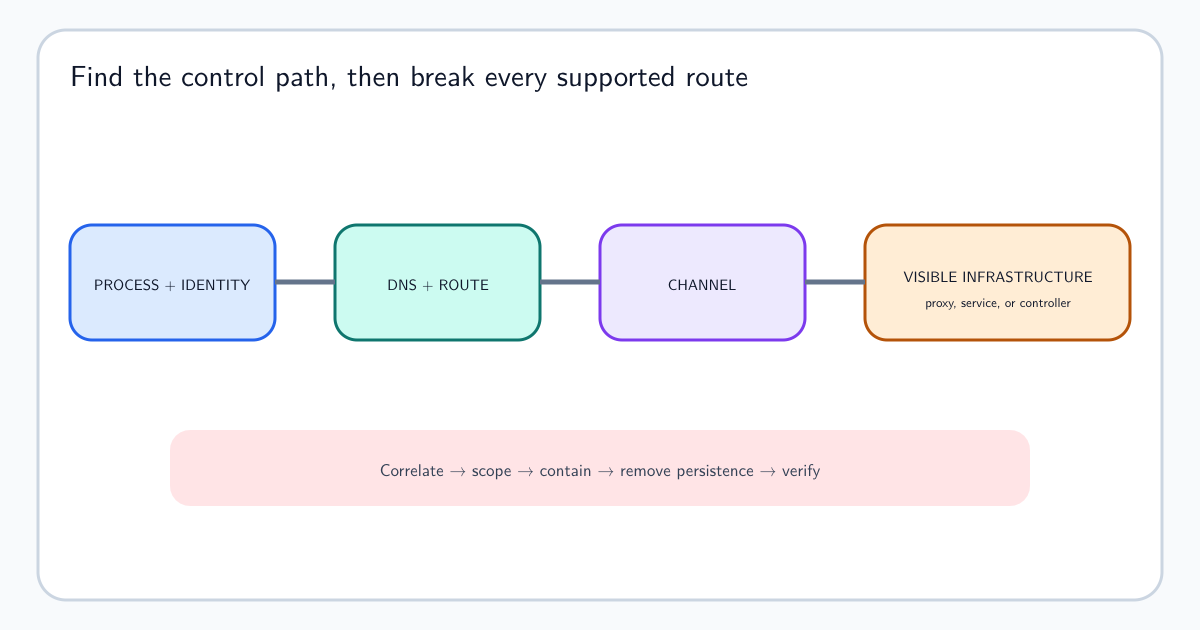
Compare the same signed binary on similar servers, the same command under the same software-deployment system, or the same user across an appropriate period. Global rarity can make a legitimate specialist tool look unique. Stronger conclusions connect the lineage to effects: a newly written executable, external connection, security-control change, credential-store access, scheduled task, or unusual child. When an external connection may provide remote tasking, follow the command-and-control investigation workflow to join process, identity, DNS, TLS, and network evidence. Record which relationships are direct sensor links and which rely on time and context.
Write a reproducible conclusion
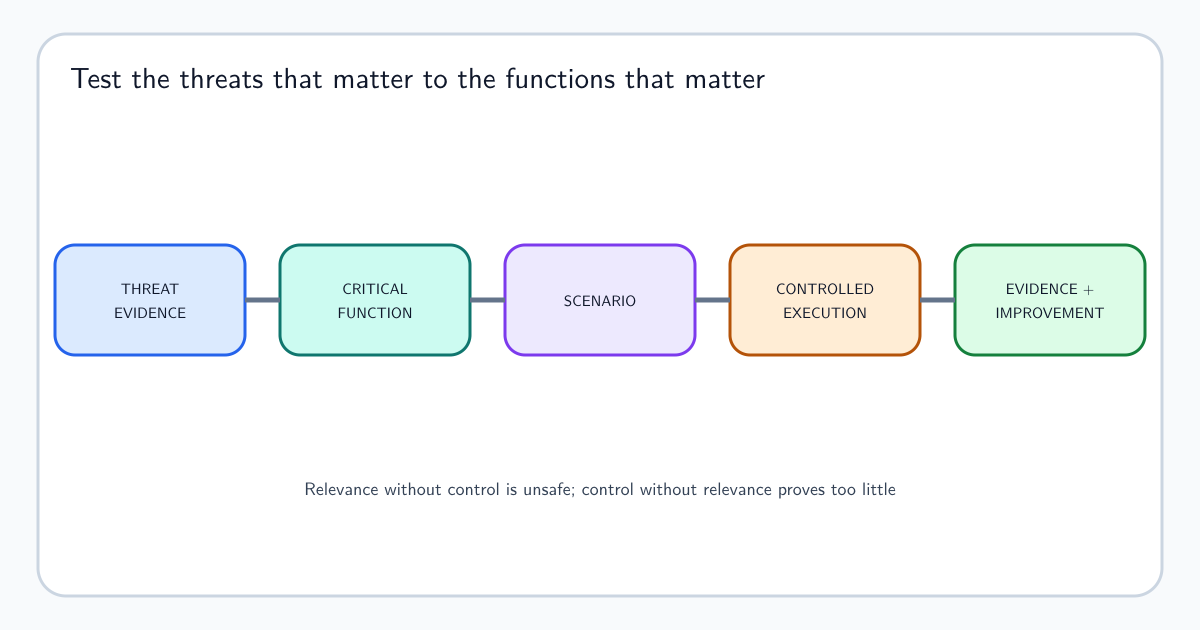
Record queries, time windows, identifiers, parsed commands, observations, alternatives, confidence, and action. If supported, convert the behavior into a testable analytic using the same discipline as turning threat evidence into detection.
A reproducible conclusion states what executed, under which identity, how the lineage was established, what the command meant, what effects were observed, and what evidence was unavailable. Include benign alternatives considered and the reason they were rejected or retained. If containment is recommended, connect it to consequence rather than appearance. Preserve the query and event references so another analyst can reconstruct the tree even if the product’s visual layout changes. Distinguish decoded command content from analyst interpretation, and retain the original value so later reviewers can test a different parser or hypothesis.