Malicious Email Forwarding Rules: Detection and Response
Malicious email forwarding rule detection correlates rule changes, destinations, sign-ins, message traces, mailbox access, audit evidence, and persistence.
Treat forwarding as persistence and collection, not just configuration
Malicious email forwarding rule detection starts with the persistence boundary: after an attacker creates a rule, messages can continue leaving the organization even after the original sign-in ends or a password changes. Rules may forward everything, target subjects such as invoices or password resets, hide messages, or redirect mail without retaining a visible inbox copy.
MITRE ATT&CK T1114.003 covers inbox, mailbox, and organization-wide forwarding mechanisms, including potentially hidden rules. Distinguish user inbox rules, mailbox or SMTP forwarding, and administrative transport rules because their creators, scope, logs, and containment controls differ.
Forwarding evidence also changes the scope of business email compromise: the external recipient may have observed sensitive conversations and timed later impersonation.
Collect rule state, change history, identity, and message flow
Capture rule creation, modification, enablement, disablement, and removal with UTC time, actor, mailbox, operation, rule ID and name, enabled state, conditions, forwarding or redirect action, destination, client IP, user agent, session, administrative role, and audit record ID. Snapshot current inbox rules—including hidden rules where supported—mailbox forwarding, remote-domain policy, outbound forwarding policy, and transport rules.
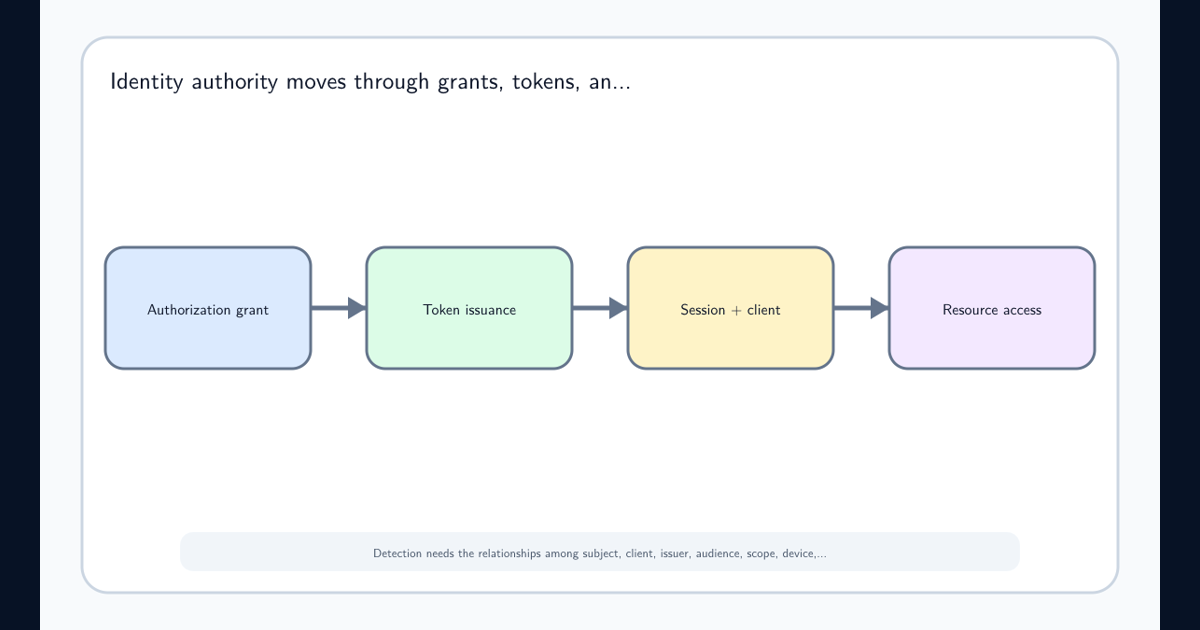
Microsoft mailbox-rule audit guidance identifies operations such as New-InboxRule, Set-InboxRule, and Remove-InboxRule. Join these with sign-ins, identity tokens and sessions, mailbox access, message trace, and security alerts.
Audit logs can arrive late or be retained for different periods. Record ingestion time and prove coverage before treating absence as evidence that no rule changed.
Score destination, content selection, creator, and sign-in context
Raise confidence for a newly seen external domain, consumer mailbox, lookalike domain, rule that forwards all mail, finance or credential keywords, deletion or obscure-folder actions, hidden state, or organization-wide scope. Add identity context: unfamiliar IP, location, device, user agent, impossible sequence, unusual administration, recent phishing, or repeated MFA prompts.
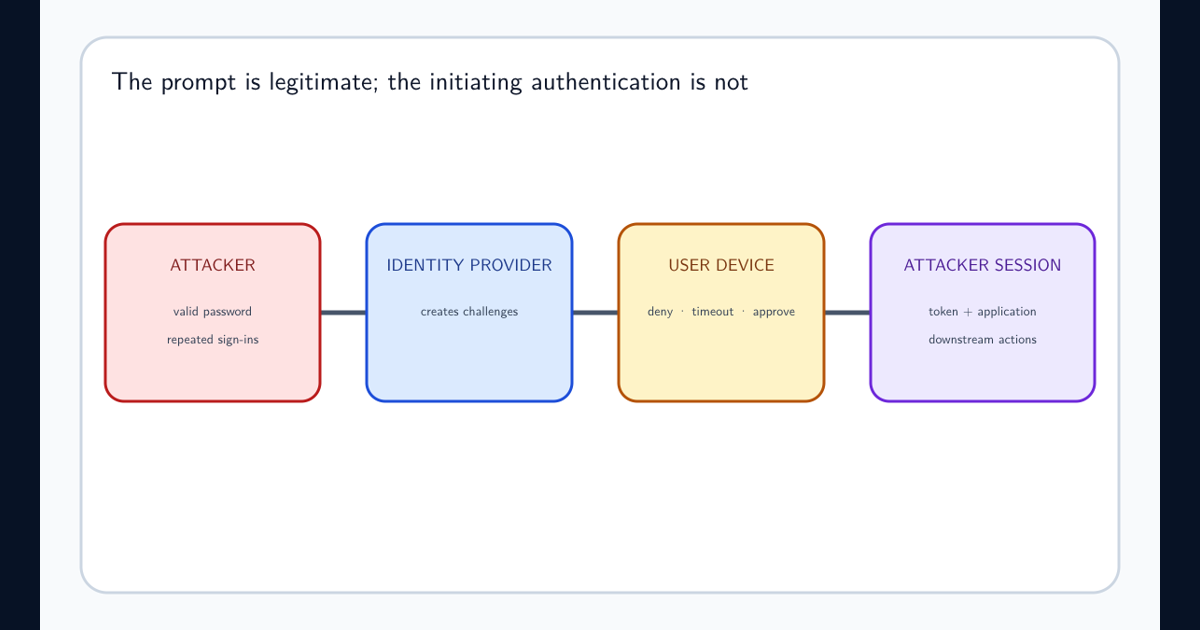
A rule created minutes after anomalous sign-in or MFA fatigue attack detection deserves faster triage than a longstanding approved internal workflow. Maintain an owner-reviewed allowlist with destination, justification, scope, expiry, and ticket—not a permanent domain-only suppression.
Do not alert on external destination alone. Legitimate ticketing, CRM, archiving, and partner workflows can forward mail; verify the exact rule and approval.
Reconstruct creation, collection, and downstream use
Establish when the rule first existed, who created or modified it, which session and IP were involved, what preceded the change, and whether administrative delegation was abused. Enumerate every forwarding surface rather than stopping at the alert’s rule type.
Use message trace and audit evidence to determine which messages matched, whether copies left the tenant, whether originals were hidden or deleted, and what sensitive threads were exposed. Investigate mailbox searches, item access, sent mail, OAuth grants, delegates, recovery-method changes, and other users touched by the same IP or destination.
Separate confirmed forwarded messages from messages merely eligible to match. State audit gaps and retention limitations explicitly; do not claim complete exfiltration scope without delivery evidence.
Remove every persistence path and recover the identity
Disable or remove malicious inbox, mailbox, and transport forwarding; preserve the rule definition and audit records first when safe. Block the destination where appropriate, revoke sessions and refresh tokens, reset credentials, restore strong authentication, remove unauthorized delegates and OAuth grants, and review administrative roles and recovery methods.
Search for sibling rules and destination reuse across the tenant. Notify data owners and affected partners according to the confirmed message scope. If payment or bank-change threads were visible, verify pending instructions out of band and follow the existing BEC response process.
Confirm newly delivered test messages take only approved paths, the old rule no longer acts, and the recovered user can authenticate from a trusted device. Continue monitoring the affected identity, source infrastructure, and forwarding destination.
Block external forwarding by default and govern exceptions
Configure external automatic forwarding off by default. Microsoft external forwarding controls describe outbound policy, remote-domain, and transport-rule interactions; an explicit block generally wins, but verify the effective configuration in your tenant.
Require approved, expiring exceptions for named mailboxes and destinations. Protect administrators with phishing-resistant MFA and privileged access, alert on every rule surface, retain audit and message-trace evidence, and review active forwarding periodically.
Next step: inventory all current external forwarding across inbox rules, mailbox settings, and transport rules. Assign an owner and expiry to each approved path, investigate the rest, and run a synthetic test mailbox through creation, alerting, triage, removal, and delivery validation. Label the exercise as simulation rather than live compromise.
Frequently asked questions
Does resetting the mailbox password stop malicious forwarding?
Not necessarily. A forwarding rule can continue operating after a password reset. Remove persistence, revoke sessions and tokens, review delegated access, and verify message flow.
Is every external forwarding rule malicious?
No. Some organizations approve business forwarding. Detection should verify destination ownership, approval, creator, conditions, scope, sign-in context, and message activity.